Egnyte - Upload file action
The Upload file action allows you to upload a file to your Egnyte account.
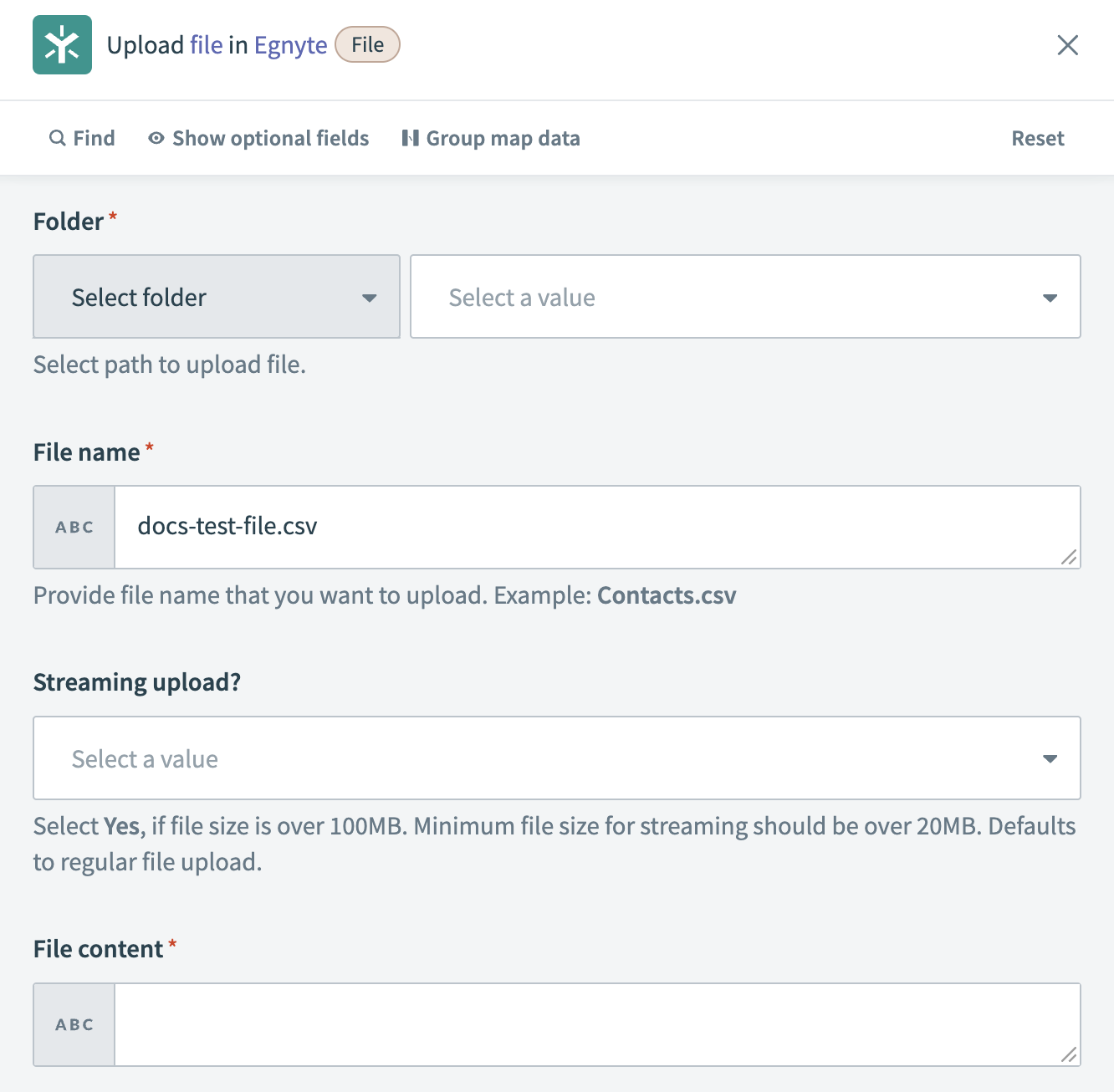 Upload file action
Input
| Input field | Description |
|---|---|
| Folder | Select the folder in which you plan to upload the file. |
| File name | Enter the name of the file you plan to upload. |
| Streaming upload? | This field is optional. Select Yes if the file size is over 100MB. |
| File content | Enter the content for the file. For example, a memo or a list of action items. |
Output
| Output field | Description |
|---|---|
| Checksum | The unique checksum for the file, used for verification purposes. For example: 6ec6d34c662a9ea. |
| Path | The file path within the system. For example: /Shared/wood_gnome/docs-test-file.csv. |
| Group ID | The identifier for the group associated with the file. For example: 875ba3d9-eb83-4ca0-ac4c-baf99f0b50cc. |
| Entry ID | The unique identifier for the file entry. For example: f9aa7345-fcf1-4741-8290-e25b72541ac1. |
Last updated: