Google Drive - Create folder action
The Create folder action creates a new folder in Google Drive.
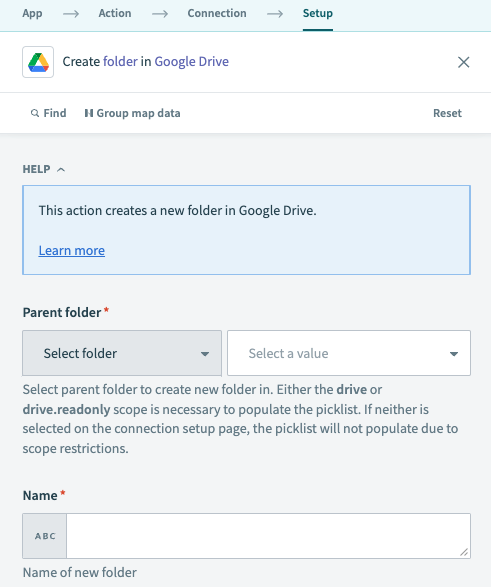 Google Drive Create folder action
Input
| Input field | Description |
|---|---|
| Parent folder | The parent folder where the new folder will reside. Select a folder from the picklist or enter the folder ID directly. If entering the folder ID for a shared drive (formerly Team Drive), this value must be in the form folder_id/shared_drive_id (for example, 1fm6iCMYrN7roZZ-ynpVFRTVq9mellrWp/0AB6ZFCw3XdamUk9PAA). IDs can be found at the end of folder and drive URLs. |
| Name | Name of the new folder. |
Output
| Output field | Description |
|---|---|
| ID | The ID of the newly created folder. |
| Name | The name of the newly created folder. |
| MIME type | The MIME type of the newly created folder, as stated in Google documentation. |
Last updated: