JDBC - Export query result action
This action exports the data from a valid SQL query to a specific file.
On-prem profile configuration
Remember to configure a staging area in your on-prem agent profile. Learn how to set up a staging area in the OPA server profile.
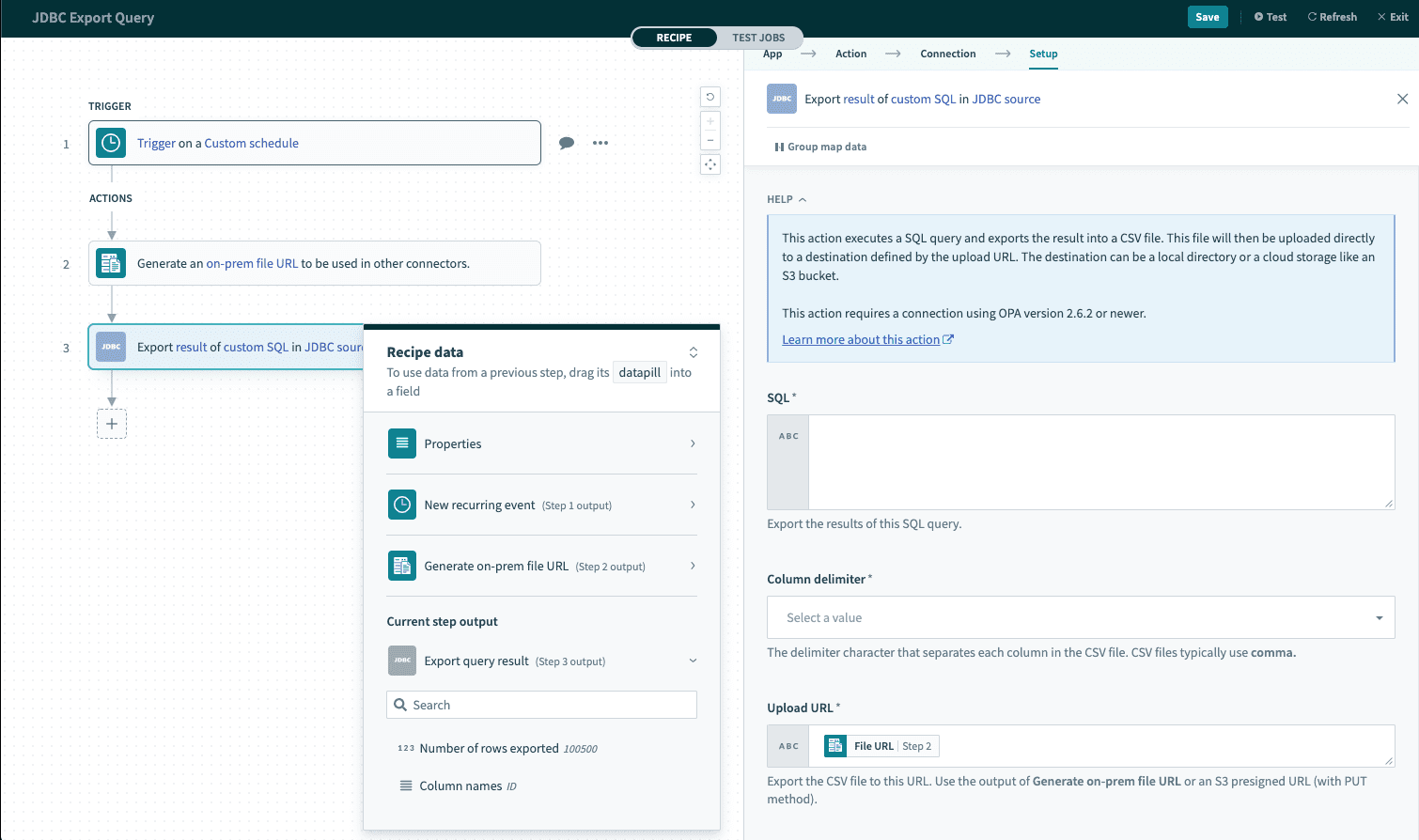 Export query result
Input
SQL
First, you must enter into the field a table to export from. If you are having trouble finding a table, you can change the action to select rows and find a value from the table section there. After a valid table is entered, it should be limited by something such as select so it can be exported to a file.
Column delimiter
For the column delimiter, you can choose between several options to separate the table. CSV files typically use comma.
Upload URL
This is the CSV file that the result of the query is going to be exported to. You can generate this url using On-prem files or Amazon S3.
Example recipe
If you are having trouble figuring out how to do this, view this example recipe.
Last updated: