LINE WORKS - Create channel action
The Create channel action sets up a chat room with a bot in LINE WORKS to make communication easier and more automated.
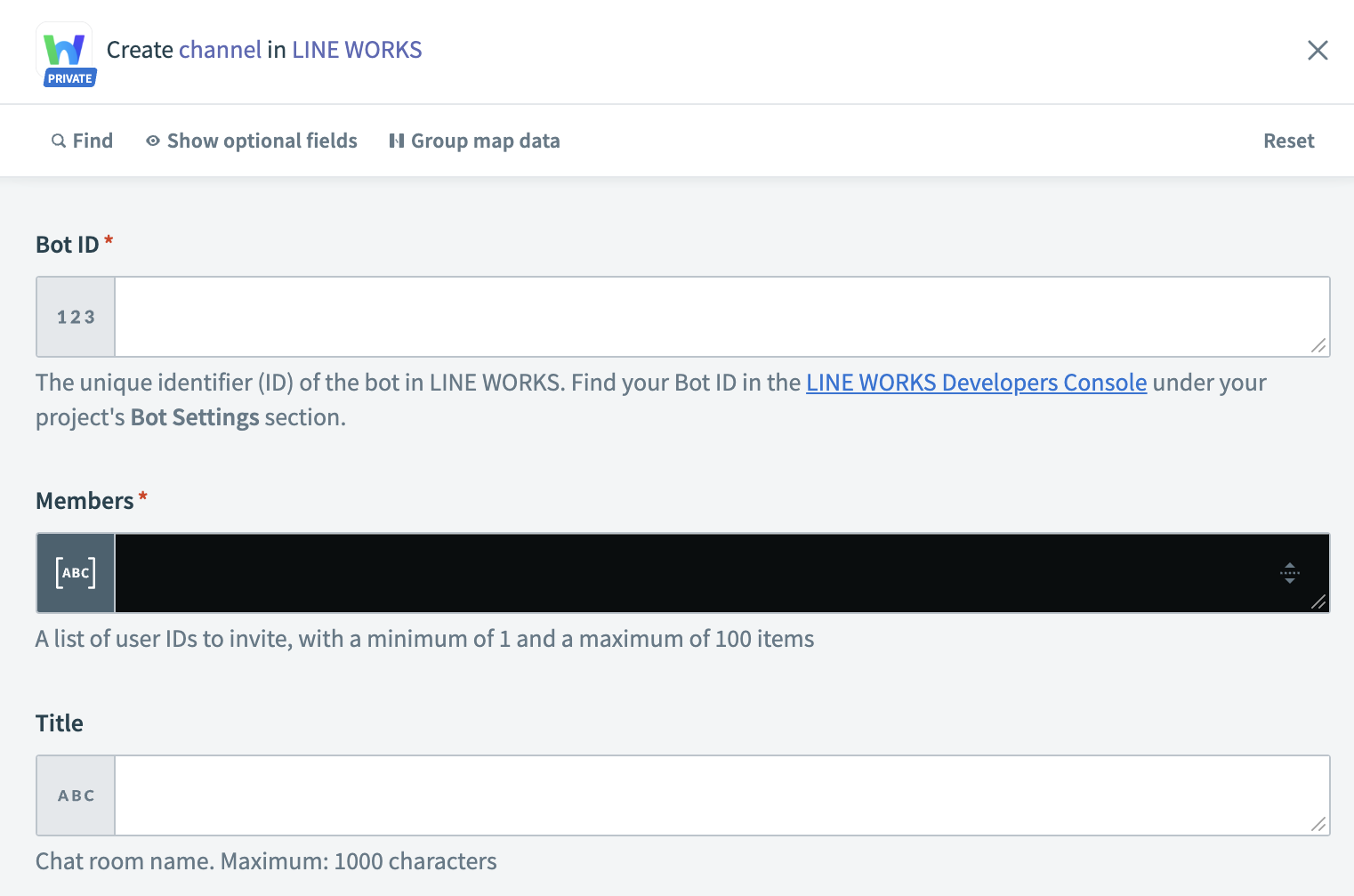 LINE WORKS Create channel action
Input
| Input Field | Description |
|---|---|
| Bot ID | Enter the unique LINE WORKS identifier of the bot. |
| Channel ID | Enter the unique LINE WORKS identifier for the chat room (channel). You can obtain the Channel ID from the chat room screen. |
| Message type | Enter the type of message the bot will send. Content fields dynamically load based on the selected message type. Refer to LINE WORKS' Message Type documentation for more information on message types. |
| Content | Define the message content for the bot to send. The content field varies based on the selected message type. |
Output
| Output Field | Description |
|---|---|
| Channel ID | The unique LINE WORKS identifier for the created chat room. |
| Title | The name of the created chat room. |
Last updated: