Percolate - Search objects batch action
The Search objects batch action allows you to generate search schemas using tenant and team information. This action requires you to select an object type from the supported list and specify search parameters, such as IDs or Team IDs, to condition the search results.
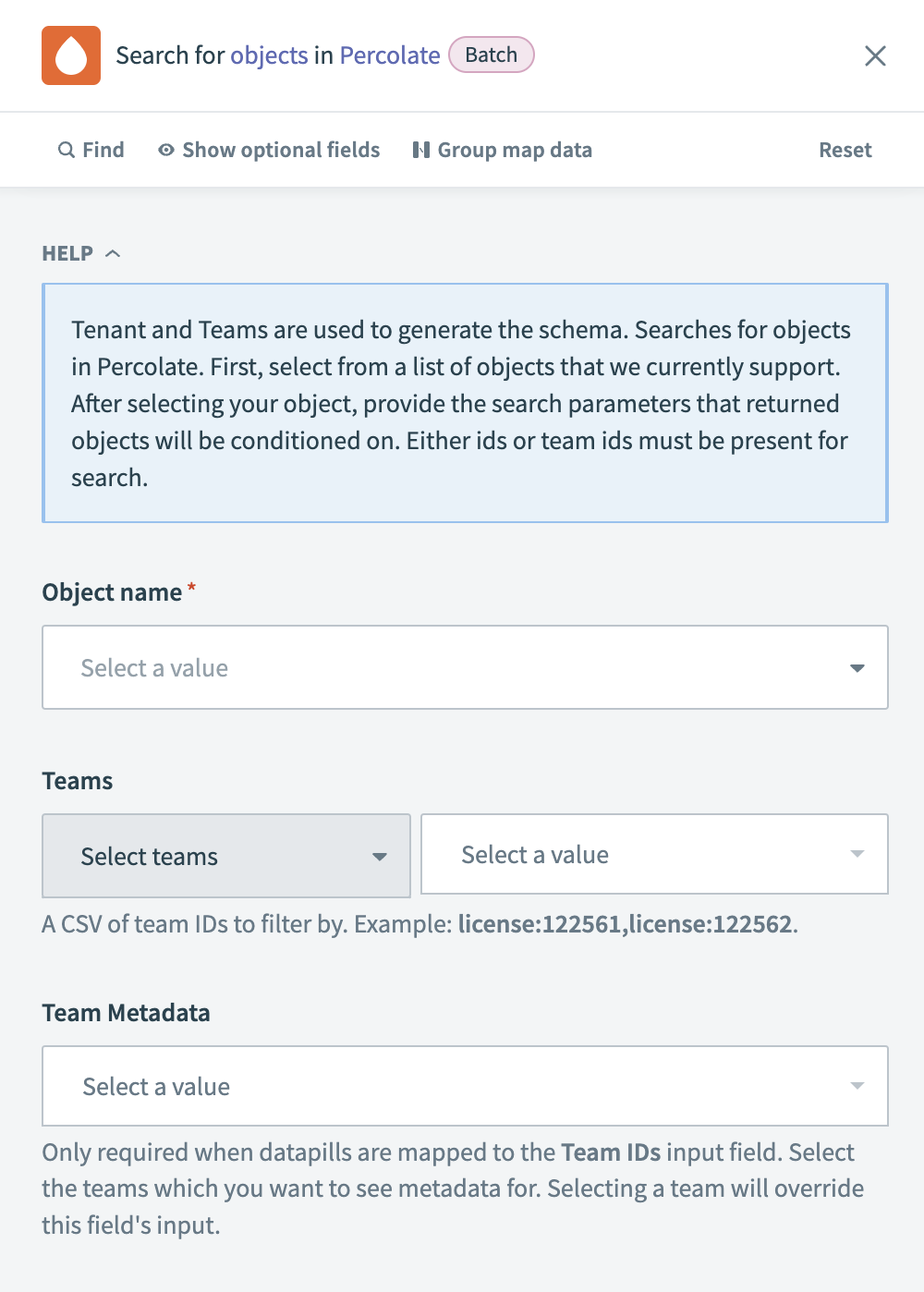 Percolate - Search objects action
Input
| Input field | Description |
|---|---|
| Object name | Select the type of object you plan to search for. |
| Teams | Enter a CSV of team IDs to filter your search. For example: license:122561,license:122562. |
| Team Metadata | Select a value if you require metadata for the team, particularly if your object is linked to the Team ID input field or if you select more than 100 teams. Selecting a team overrides this field's input. |
Output
| Output field | Description |
|---|---|
| Records | Retrieves a list of objects that match your search criteria, providing detailed information for each object. |
Last updated: