Percolate - Update object action
The Update object action allows you to update an object in Percolate. After you select an object, Workato displays dynamic input fields relevant to your chosen object type. Use this action to submit content or campaigns into your designated approval workflows.
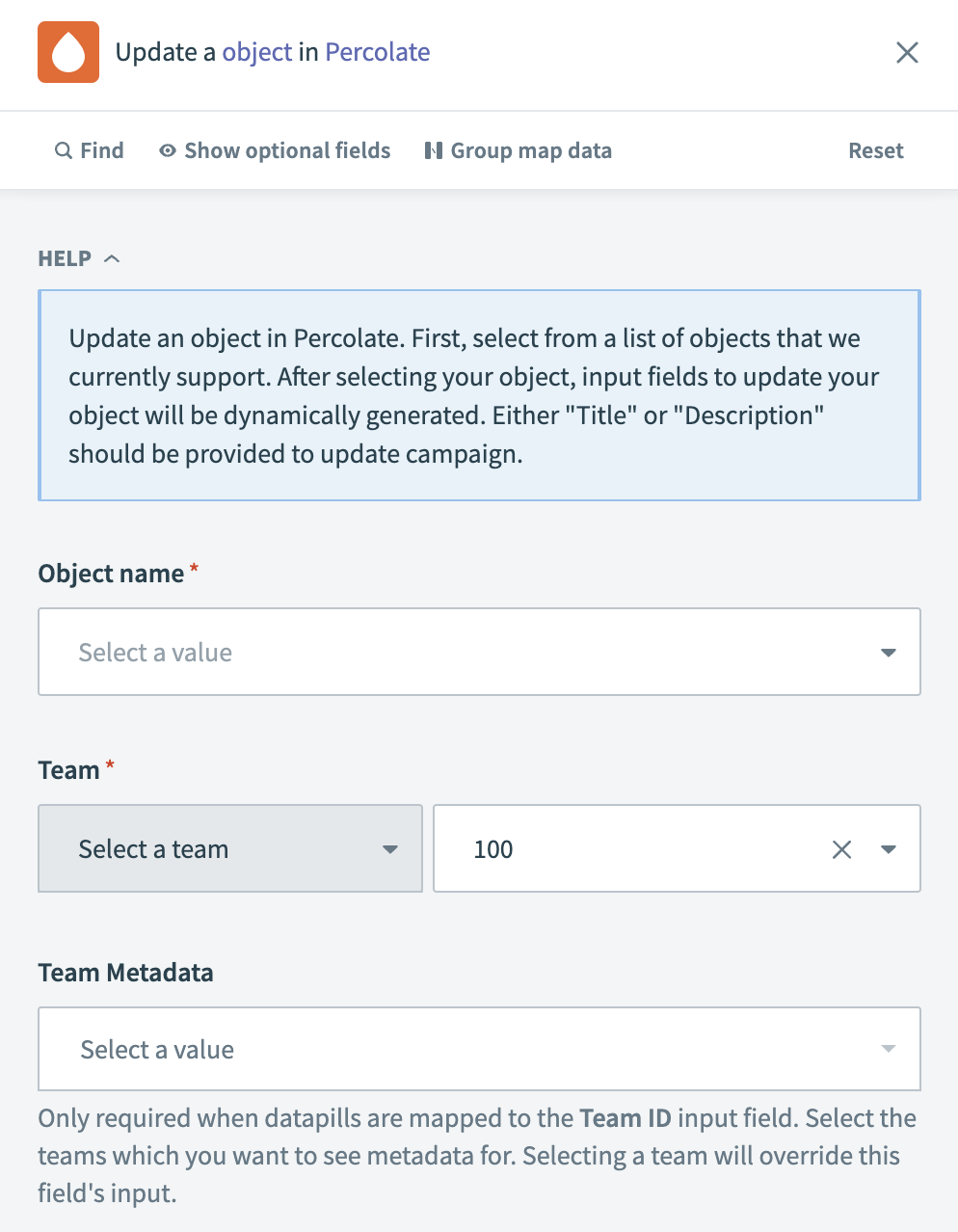 Percolate - Update object action
Input
| Input field | Description |
|---|---|
| Object name | Choose the type of object you plan to update from the provided list. |
| Team | Select the team or enter a team ID responsible for the object. |
| Team Metadata | Select a value if you require metadata for the team, particularly if your object is linked to the team ID input field or if you select more than 100 teams. Selecting a team overrides this field's input. |
Output
The output of this action varies based on the type of object you select.
Last updated: