SAP Fieldglass - Supplier worker download action
The Supplier worker download action enables you to retrieve supplier worker details from SAP Fieldglass.
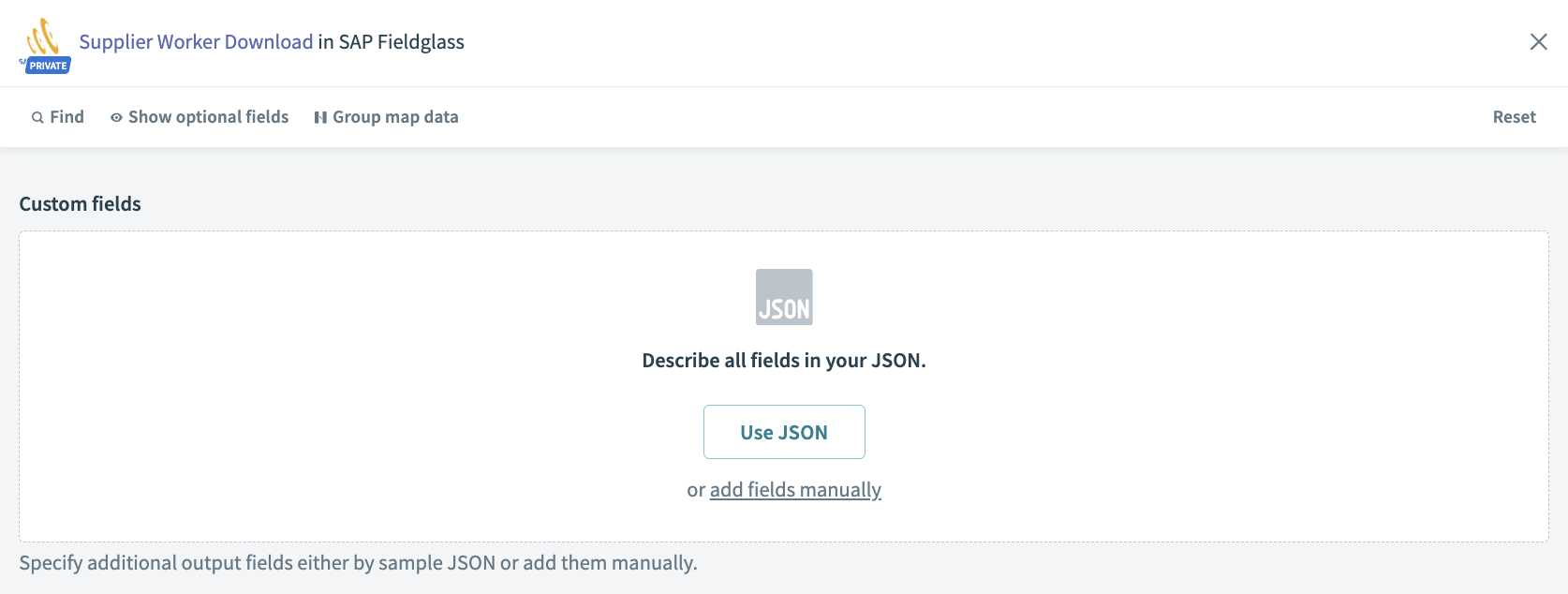 Supplier worker download action
Input
You can specify the custom fields that you plan to include in the result and the order that you plan to see in the result.
Output
| Output fields | Description |
|---|---|
| Job seeker ID | SAP Fieldglass job seeker ID. |
| Worker ID | SAP Fieldglass worker ID. |
| Status | Status of the worker. |
| First name | First name of the worker as defined in SAP Fieldglass. |
| Last name | Last name of the worker as defined in SAP Fieldglass. |
| Vendor number | SAP Fieldglass supplier code. |
| Vendor name | Supplier name. |
| Buyer code | Buyer company code. |
| Remit to address code | Code as assigned to the RTA by the supplier. |
| Cost center name | Cost center name in SAP Fieldglass. |
| Cost center code | Cost center code in SAP Fieldglass. |
| Task name | Task name in SAP Fieldglass. |
| Task code | Task code in SAP Fieldglass. |
| Billable per diem | Expense amount that is billable per day. |
| Start date | Worker start date. |
| End date | Worker end date. |
| Currency | Currency designation (USD). |
| Segmented object detail | The segmented object detail feature allows buyers to accommodate complex accounting codes that need to be included with cost centers and passed to workers and work orders or SOW line items. |
| Job code | Worker’s job code. |
| Cost center start date | Worker cost center start date. Can be non-primary. |
| Cost center end date | Worker cost center end date. Can be non-primary. |
| Worker country of origin | Indicates worker's country of origin. The company configurations Security ID format by Worker country of origin and Security Information must be enabled. |
| Time zone | Time zone for the worker. If not entered, it defaults to the default setting of the buyer's time zone. |
| Discount % | Discount % from SOW Worker. |
| [br] Rate category / UOM | The base rate for rate category/UOM. |
| [pr] Rate category / UOM | Pay rate for rate category/UOM. |
| Custom fields | Custom fields can be defined following SAP's guidelines. |
Last updated: