SAP - Check IDoc status action
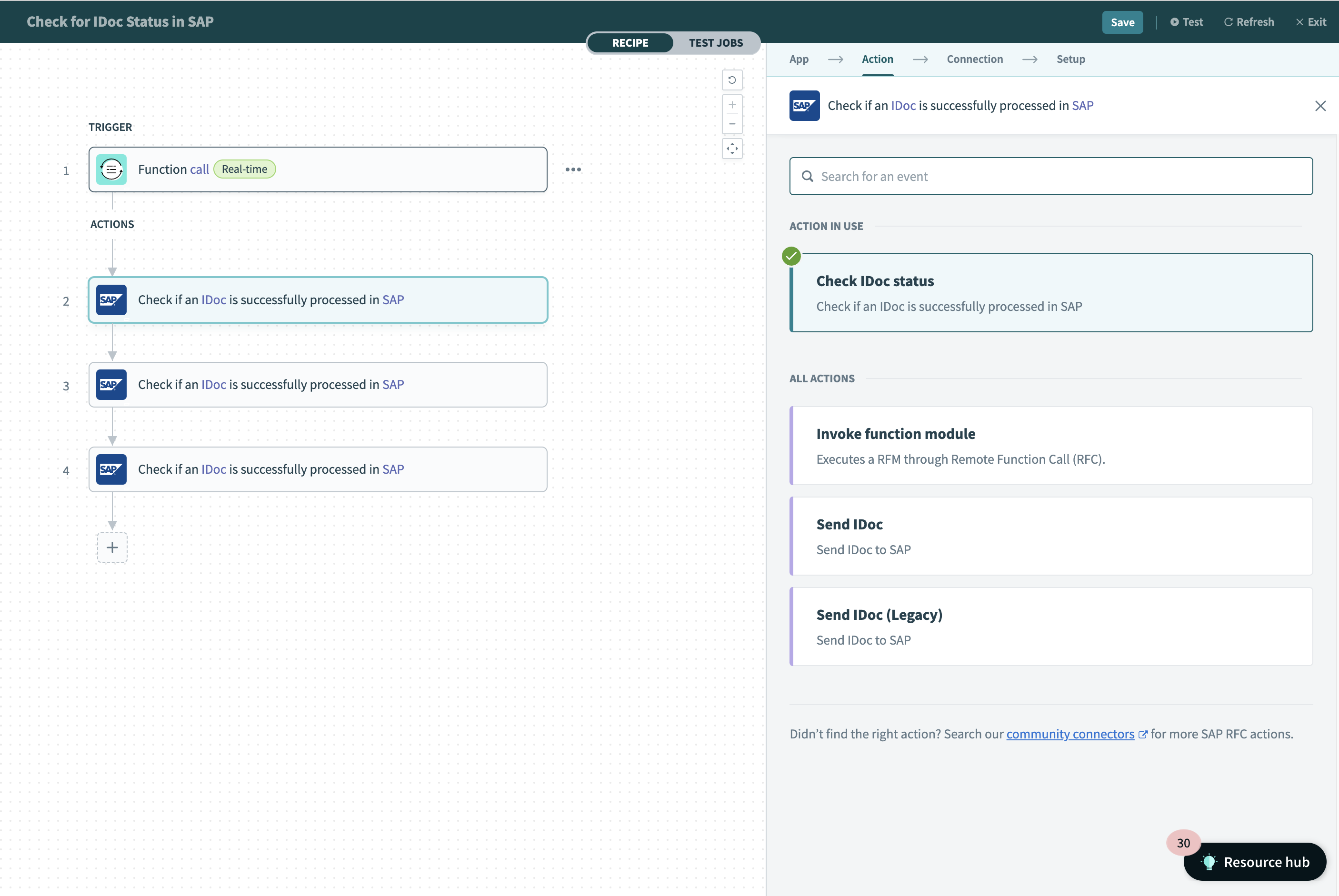
This action allows you to check if an IDoc is successfully processed in SAP, after being sent from Workato.
Workato automatically attaches a unique Submission ID to your IDoc when you use the Send IDoc action. Use this Submission ID in the following input field:
ERROR BEHAVIOR
IDocs are processed asynchronously in SAP. Use this action to detect business failures that occur after SAP accepts an IDoc. Refer to Error behavior in the SAP RFC connector for details on how technical and business errors surface for IDoc-based integrations.
Input
| Field name | Description |
|---|---|
| Submission ID | When Workato sends an IDoc to SAP, we will attach a Submission ID to that IDoc. Find this Submission ID in the output of action Send IDoc. |
Output
| Field name | Description |
|---|---|
| IDoc number | SAP assigns this IDoc number after receiving the IDoc. |
| Status | Status of the IDoc after being received by SAP (Error, Success). |
| Status code | Status code of the IDoc after being received by SAP. |
| Status description | Status description of the IDoc after being received by SAP. |
| Detail | Long text of the IDoc after being received by SAP. (OPA v27 and above required to populate value for this field) |
FURTHER READING
Last updated: