SAP - Send IDoc (Advanced) action
This action allows you to send IDoc to an on-premise SAP system or a SAP system on a server behind the corporate firewall. You must configure IDocs in your SAP system before using this action. This action removes the need for dummy configurations that were previously required for the Send IDoc action.
MINIMUM OPA VERSION REQUIRED
This action is available only in OPA v28.1 and later. This action is designed to support expected SAP behavior and address advanced use cases.
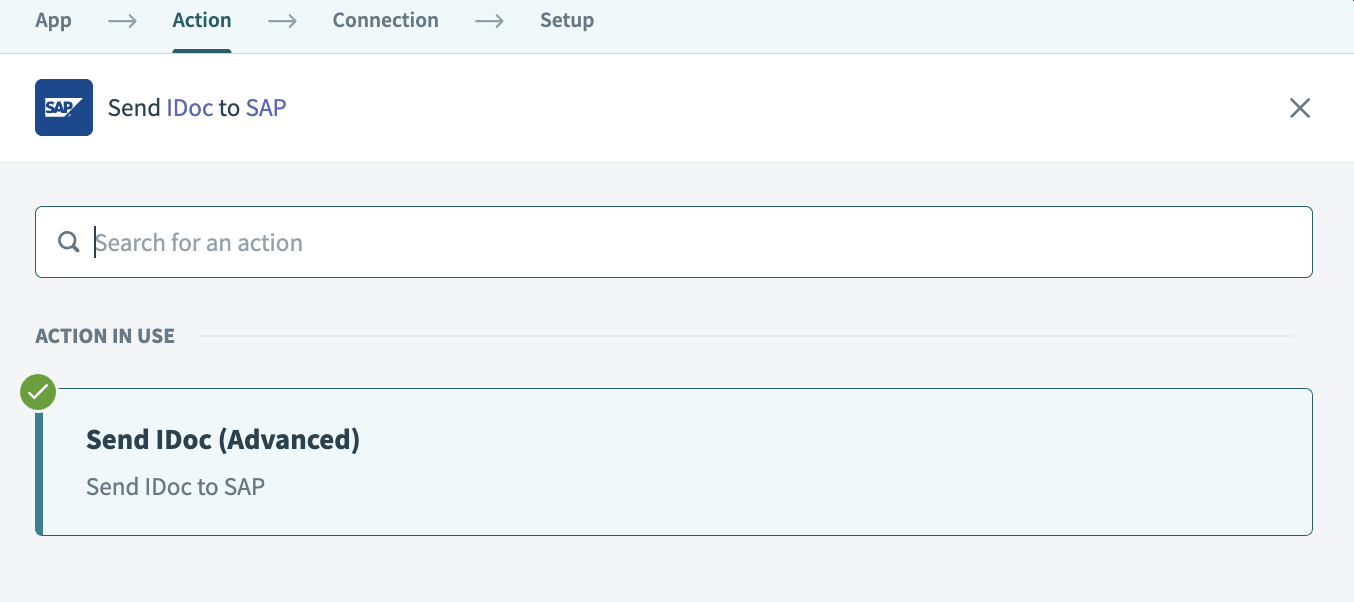 Send IDoc (Advanced) action
Input
| Field name | Description |
|---|---|
| Partner type | Choose a partner type: AD = Address, B = Bank, BP = Benefits Provider, GP = Business Partner, KU = Customer, LI = Vendor, LS = Logical System, US = User. |
| Partner profile | Select the sender partner number as maintained in transaction WE20. |
| Message type | Select the IDoc message type defined in transaction WE20 maintained in the partner number selected in the preceding steps. For example, ORDERS, INVOIC. |
| Basic type and extension | Choose the appropriate IDoc type and extension configured in SAP for a particular message type selected in the preceding steps. |
| Wait for SAP to process the IDoc? | IDoc is processed asynchronously in SAP. This means you can configure the recipe to wait for the processing to finish before moving on to the next recipe step. |
| Check IDoc status every | This field appears if Wait for SAP to process the IDoc is set to Yes. Select how often Workato should call SAP. This is useful when you want to control the workload of your SAP system. |
ERROR BEHAVIOR
The Send IDoc (Advanced) action confirms that SAP accepted the IDoc at a technical level. A successful step doesn't indicate that SAP completed business processing. Business failures may surface later through IDoc status tracking rather than as step-level errors. Refer to Error behavior in the SAP RFC connector for details.
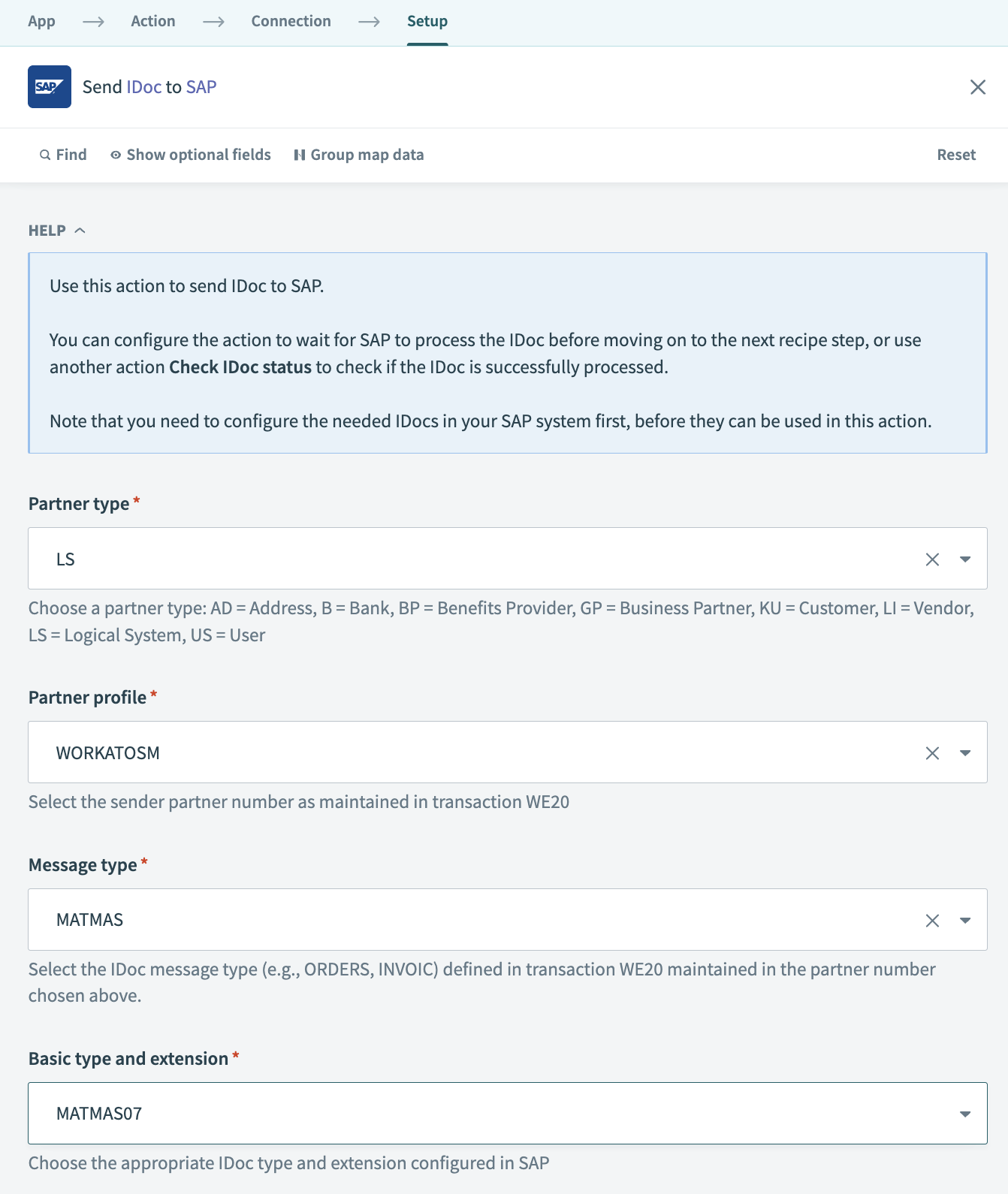 Picklist for selection
Default IDoc parameters
The following are the default values as part of the control record implementation:
| Field Name | Description | Default value | Comments |
|---|---|---|---|
| SNDPRT | Sender partner type | Partner type as set in picklist | Can be overridden using EDI_DC40 segment |
| SNDPRN | Sender partner number | Partner profile as set in picklist | Can be overridden using EDI_DC40 segment |
| SNDPOR | Sender port | WORKATO | Can be overridden using EDI_DC40 segment |
| RCVPRT | Receiver partner type | LS | Can be overridden using EDI_DC40 segment |
| RCVPRN | Receiver partner number | The SAP server's partner number | Cannot be overridden |
| RCVPOR | Receiver port | SAP plus systemName or SID. For example, if the systemName is XYZ, the ReceiverPort is SAPXYZ | Cannot be overridden |
FURTHER READING
Other configuration requirements remain the same as the Send IDoc action.
Last updated: