Smartsheet - Create row action
The Create row action enables you to add a new row to a specific sheet within Smartsheet.
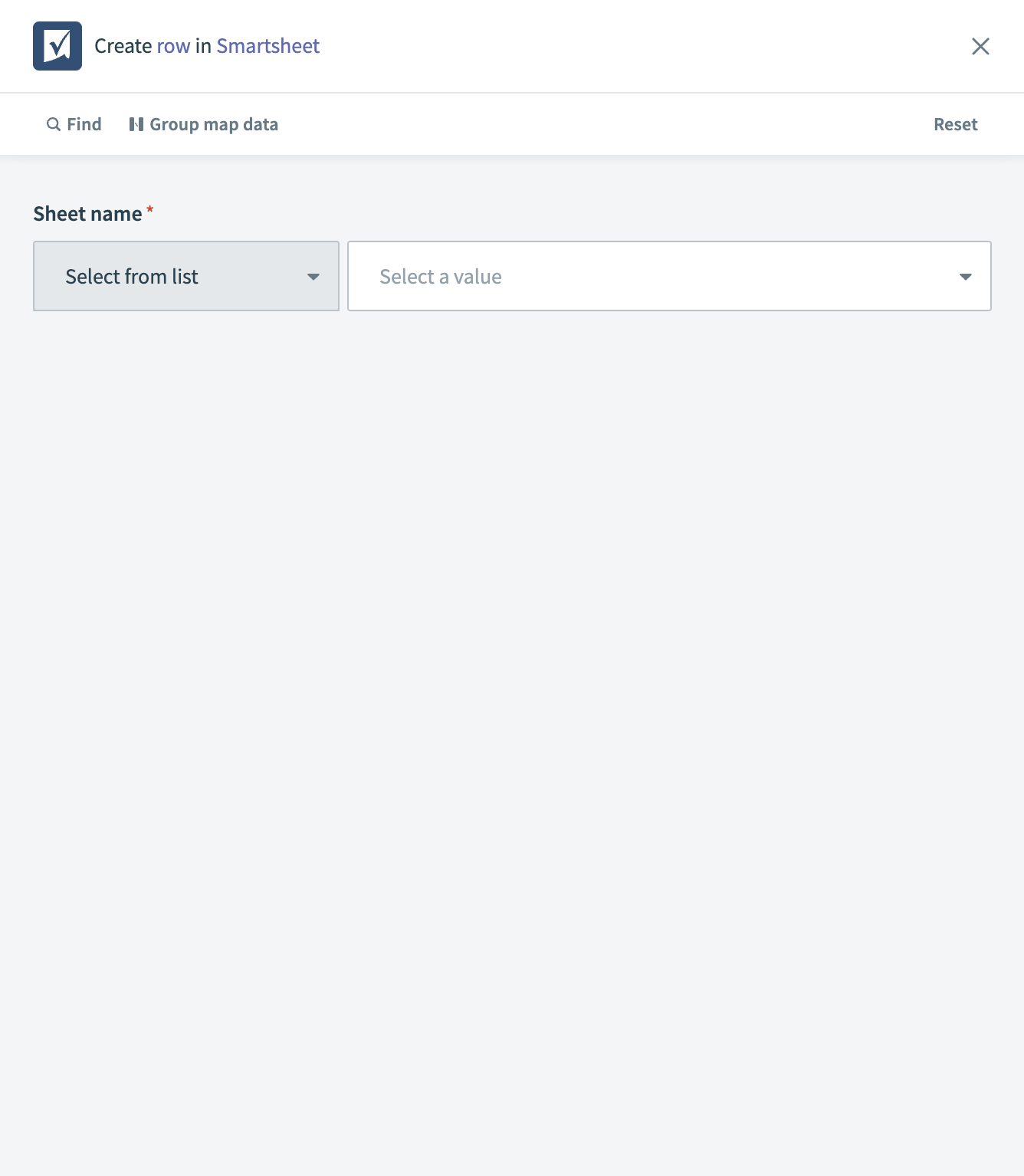 Smartsheet - Create row action
Input
| Input field | Description |
|---|---|
| Sheet name | The name of the sheet in Smartsheet where you plan to insert the new row. |
| Columns | The columns in the Smartsheet where the data is inserted. Leave this field blank to display the first 100 columns. |
| Parent ID | The ID of the parent row, if the new row is to be a child row. If To bottom is set to true, the system adds the row as the last child of the specified parent row. |
| Locked | Specifies whether the new row should be locked. |
| Expanded | Indicates if the row should be expanded to show details. |
| Font | The font style to be used for the text in the row. Valid values are 0 to 3. |
| Sibling ID | The ID of the sibling row, if the new row is to be positioned relative to another row. If above is set to true, the system adds the row above the specified ID. Otherwise, it adds the row below the specified ID. |
| To top | If set, the new row is added at the top of the sheet. |
| To bottom | If set, the new row is added at the bottom of the sheet. |
| Above | The ID of the row above which the new row should be inserted. If set to true, the system inserts the new row above the row specified by the Sibling ID. |
| Cells | Specific cell data to be inserted in the new row, such as Task Name, Assigned To, Complete, Status, and Comments. |
Output
| Output field | Description |
|---|---|
| Row ID | The unique identifier of the newly created row in Smartsheet. |
| Sheet ID | The identifier of the Smartsheet where the row is created. |
| Row number | The number assigned to the newly created row within the sheet. |
| Parent ID | The ID of the parent row, if the new row is a child row. |
| Locked | Indicates whether the row is locked. |
| Locked for user | Shows if the row is locked specifically for the user. |
| Expanded | Indicates if the row details are expanded. |
| Created at | The timestamp of when the row was created. |
| Modified at | The timestamp of the last modification of the row. |
| Sibling ID | The ID of a sibling row, if the new row is positioned relative to another row. |
| Cells | Details of the specific cell data in the row, such as Task Name, Assigned To, Complete, Status, and Comments. |
Last updated: