Smartsheet - Get row by ID action
The Get row by ID action allows you to retrieve detailed information about a specific row in Smartsheet based on its unique identifier.
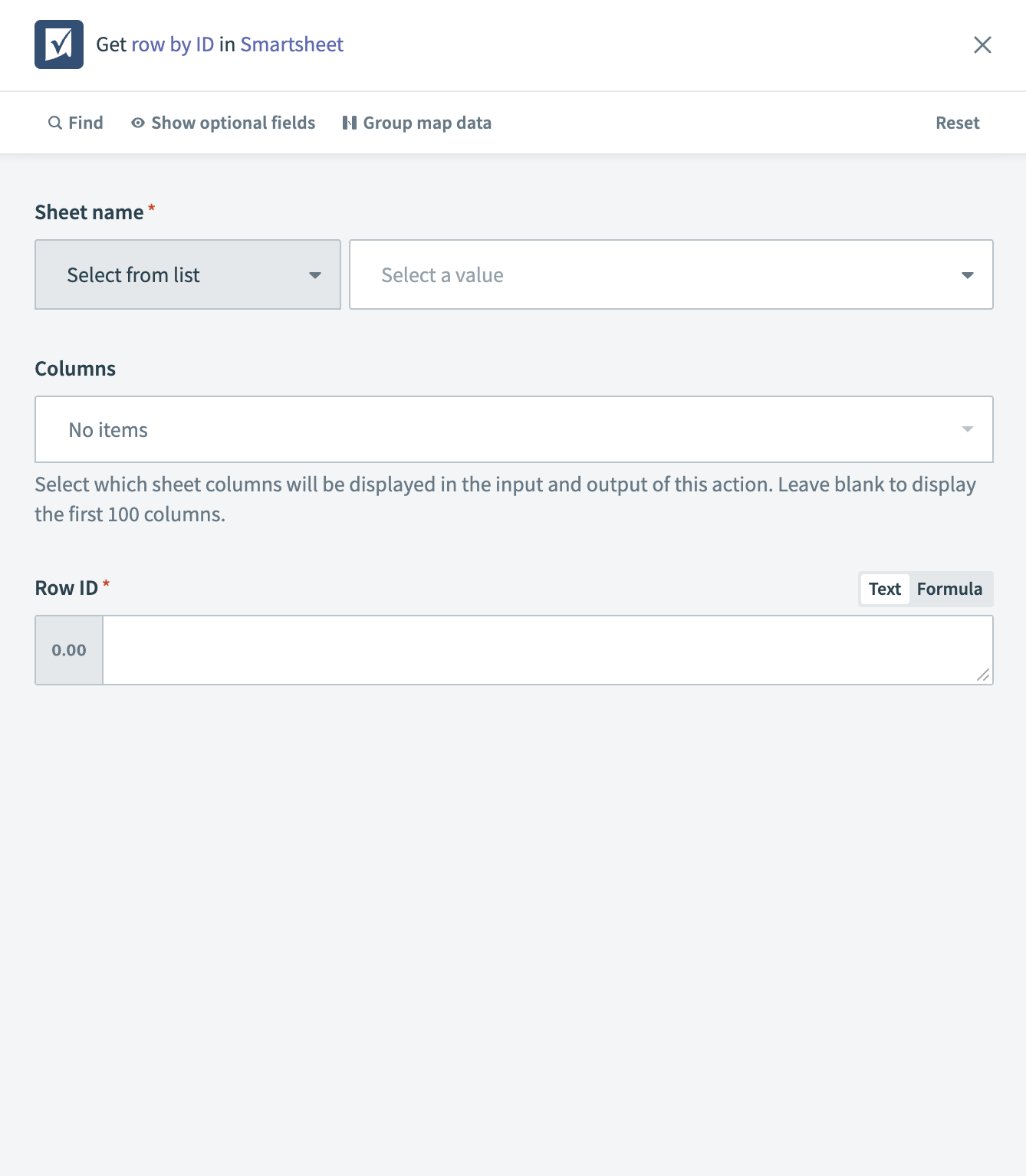 Smartsheet - Get row by ID action
Input
| Input field | Description |
|---|---|
| Sheet name | The name of the sheet in Smartsheet from which you plan to retrieve the row. |
| Columns | Select which sheet columns you plan to include in the output of this action. Leave this field blank to include the first 100 columns. |
| Row ID | The unique identifier for the row you plan to retrieve. |
Output
| Output field | Description |
|---|---|
| Row ID | The unique identifier of the row retrieved from Smartsheet. |
| Sheet ID | The identifier of the Smartsheet from which the row is retrieved. |
| Row number | The number assigned to the row within the sheet. |
| Version | The version number of the row, indicating how many times it has been updated. |
| Parent ID | The ID of the parent row, if the retrieved row is a child row. |
| Expanded | Indicates if the row details are expanded. |
| Access level | The level of access permissions for the row. |
| Row permalink | A permanent link to the specific row in Smartsheet. |
| Created at | The timestamp of when the row was first created. |
| Modified at | The timestamp of the last modification of the row. |
| Sibling ID | The ID of a sibling row, if the retrieved row is positioned relative to another row. |
| Cells | Details of the specific cell data in the row, such as Task Name, Assigned To, Complete, Status, and Comments. |
| Discussions | Information about any discussions associated with the row. |
| Attachments | Details of any attachments linked to the row. |
Last updated: