Xero - Create item action
The Create item action allows you to create a new item in Xero.
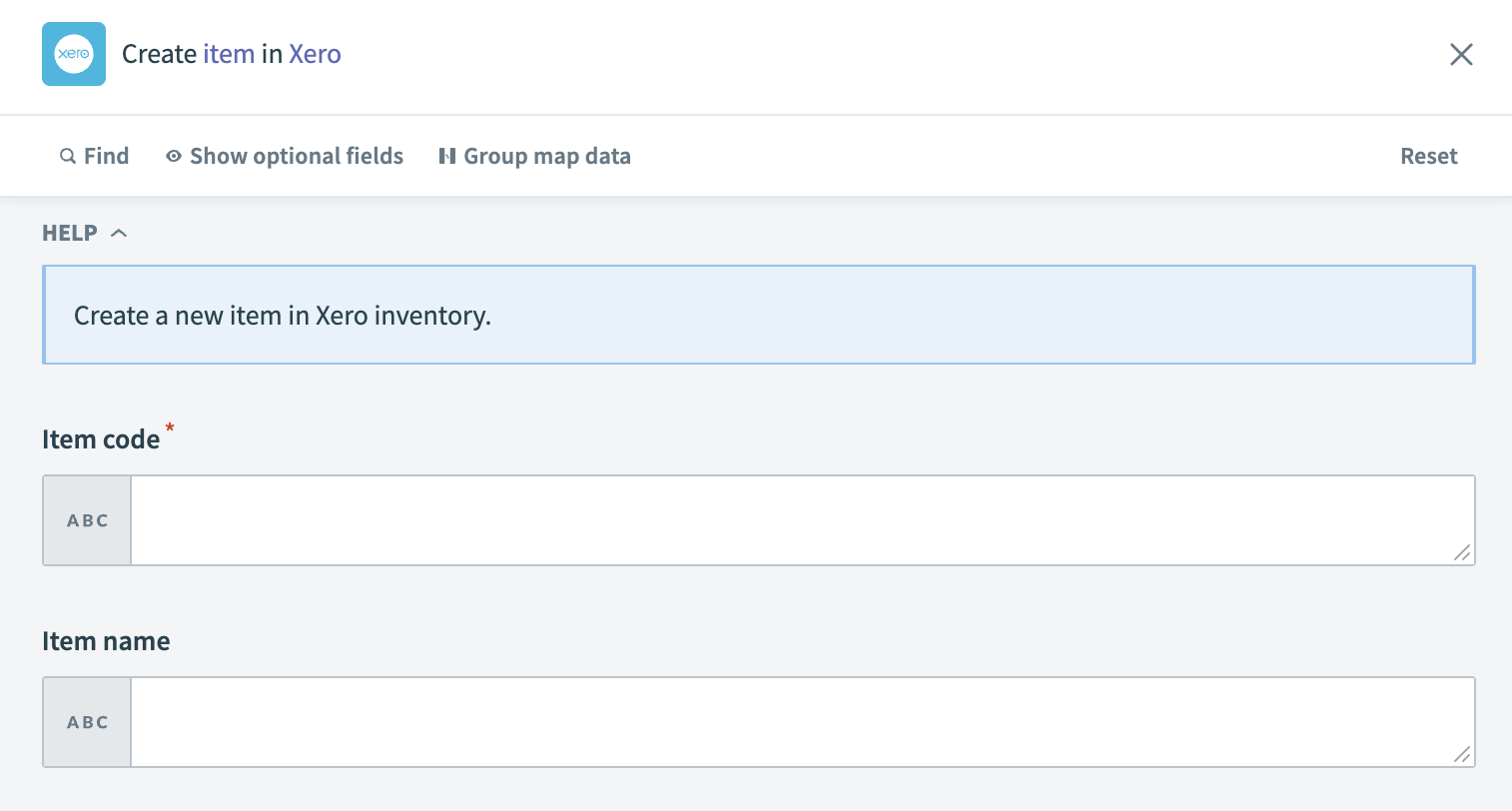 Xero - Create item action
Input
| Input field | Description |
|---|---|
| Item code | Input a unique code to identify the item. |
| Item name | Specify the name of the item. |
| Item description | Provide a sales description for the item. |
| Purchase description | Give a description of the item used for purchasing records. |
| Sales unit price | Set the price per unit for sales. |
| Sales account code | Assign an account code for sales. |
| Sales tax type | Choose a tax type for the item's sales. If left empty, the system uses the default tax from the sales account. |
| Purchase unit price | Indicate the price per unit for purchases. |
| Purchase account code | Input an account code for purchases. Note that an item can have either a COGS account code or a Purchase account code, not both. |
| Purchase tax type | Select a tax type for purchasing. Without an entry, the system applies the default tax from the purchase account. |
| COGS account code | Provide a Cost of Goods Sold account code. If specified, Inventory asset account code becomes mandatory. An item cannot have both a COGS account code and a Purchase account code. |
| Inventory asset account code | Enter the account code for inventory, which must be an INVENTORY type. This is mandatory if COGS account code is specified. |
| Is sold | Confirm if the item is available for sale. This defaults to true, making the item available on sales transactions in the Xero UI. |
| Is purchased | Confirm if the item is available for purchase. This defaults to true, making the item available for purchase transactions in the Xero UI. |
Output
| Field | Description |
|---|---|
| Item ID | The unique identifier for the item in Xero. |
| Item code | The code used to identify the item. |
| Inventory asset account code | The account code associated with the item's inventory assets. |
| Purchase description | A description of the item used for purchasing. |
| Item name | The name of the item. |
| Item description | The sales description of the item. |
| Updated date | The date the item was last updated in Xero. |
| Is tracked as inventory | Indicates whether the item is tracked as inventory. |
| Quantity on hand | The quantity of the item currently on hand. |
| Total cost pool | The total cost of the inventory on hand for the item. |
| Is sold | Indicates whether the item is sold. |
| Is purchased | Indicates whether the item is purchased. |
| Sales details | Information about the item's sales aspects. |
| Purchase details | Information about the item's purchase aspects. |
Last updated: