Xero - Create timesheet with one line item action
The Create timesheet with one line item action allows you to create a timesheet with a single line item in Xero.
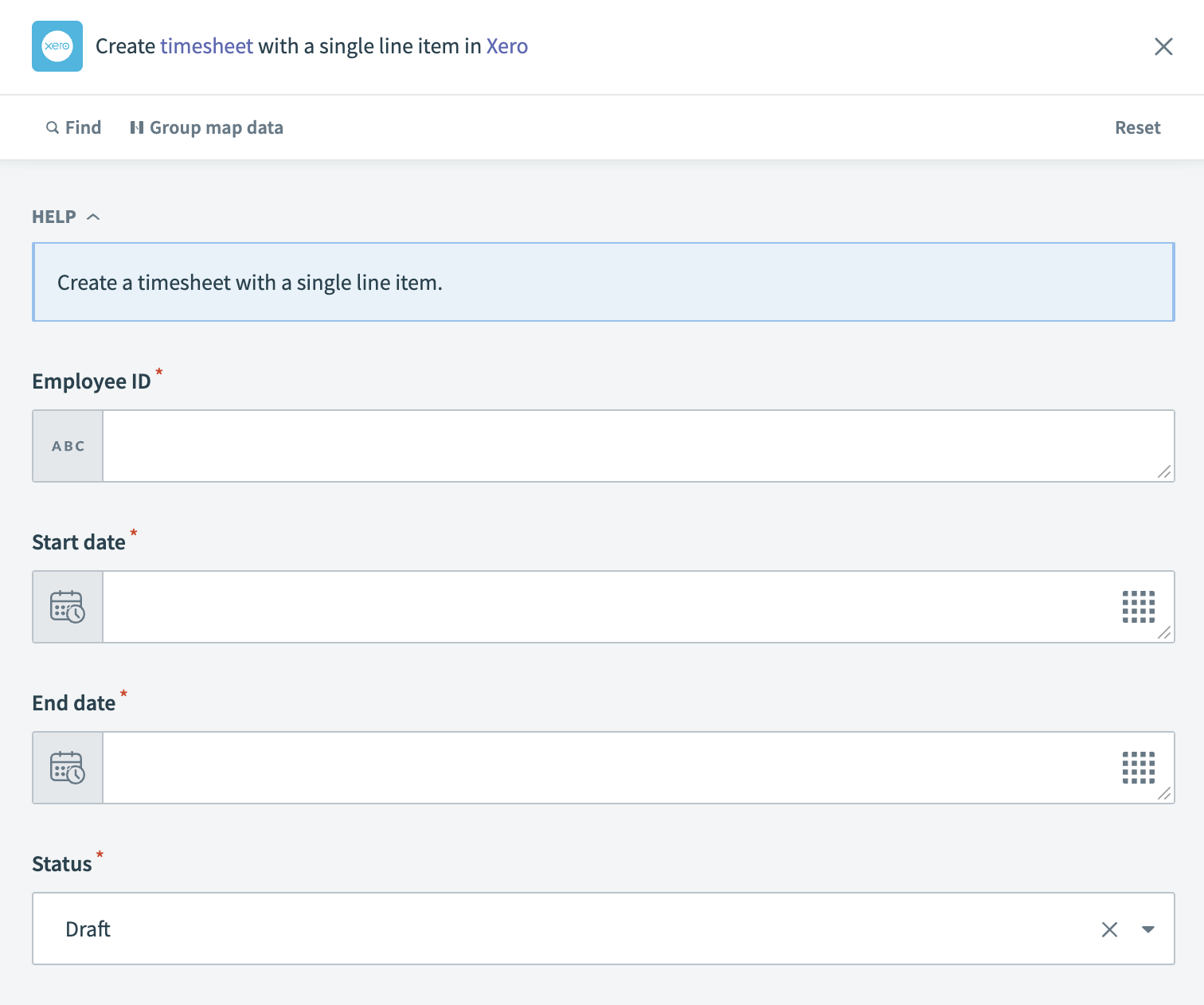 Xero - Create timesheet with one line item action
Input
| Input field | Description |
|---|---|
| Employee ID | Provide the unique identifier for the employee the timesheet is being created for. |
| Start date | Enter the start date for the timesheet period. |
| End date | Specify the end date for the timesheet period. |
| Status | Choose the status of the timesheet, such as Draft, Processed, or Approved. |
Output
| Output field | Description |
|---|---|
| Timesheet ID | The unique identifier for the timesheet created in Xero. |
| Employee ID | The unique identifier for the employee associated with the timesheet. |
| Start date | The start date of the timesheet period. |
| End date | The end date of the timesheet period. |
| Status | The current status of the timesheet. |
| Hours | The total number of hours recorded in the timesheet. |
| Updated date | The date when the timesheet was last updated. |
Last updated: