Xero - Search bills or invoices batch action
The Search bills or invoices batch action allows you to look up invoices or bills in Xero using specific criteria such as the invoice ID or number. Search bills using the invoice number.
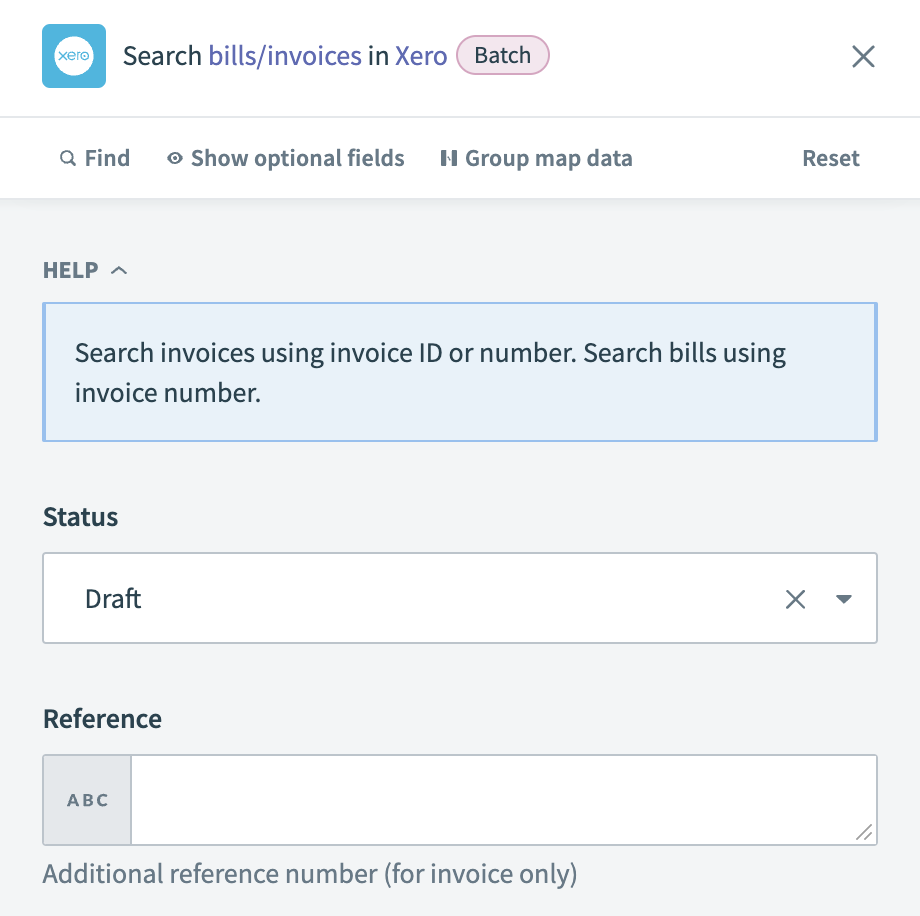 Xero - Search bills or invoices batch action
Input
| Input field | Description |
|---|---|
| Contact name | Enter the name of the contact related to the bills or invoices you plan to search for. |
| Status | Select the status of the bills or invoices to narrow your search. |
| Currency code | Input the currency code in which the invoice has been raised. Refer to the XE Currency Encyclopedia for the list of currency codes. |
| Reference | Provide any additional reference number specific to the invoice. |
| Invoice number | Input the invoice number for the invoice you're searching for. Use the non-unique alphanumeric code under Reference in Xero for bills. |
Output
| Output field | Description |
|---|---|
| Invoices | Details about the invoice records. |
Last updated: