Xero - Search contacts batch action
The Search contacts batch action allows you to find a contact within your Xero account using specific criteria, such as the contact ID, contact name, or contact email address. The action returns results that match all the provided search terms.
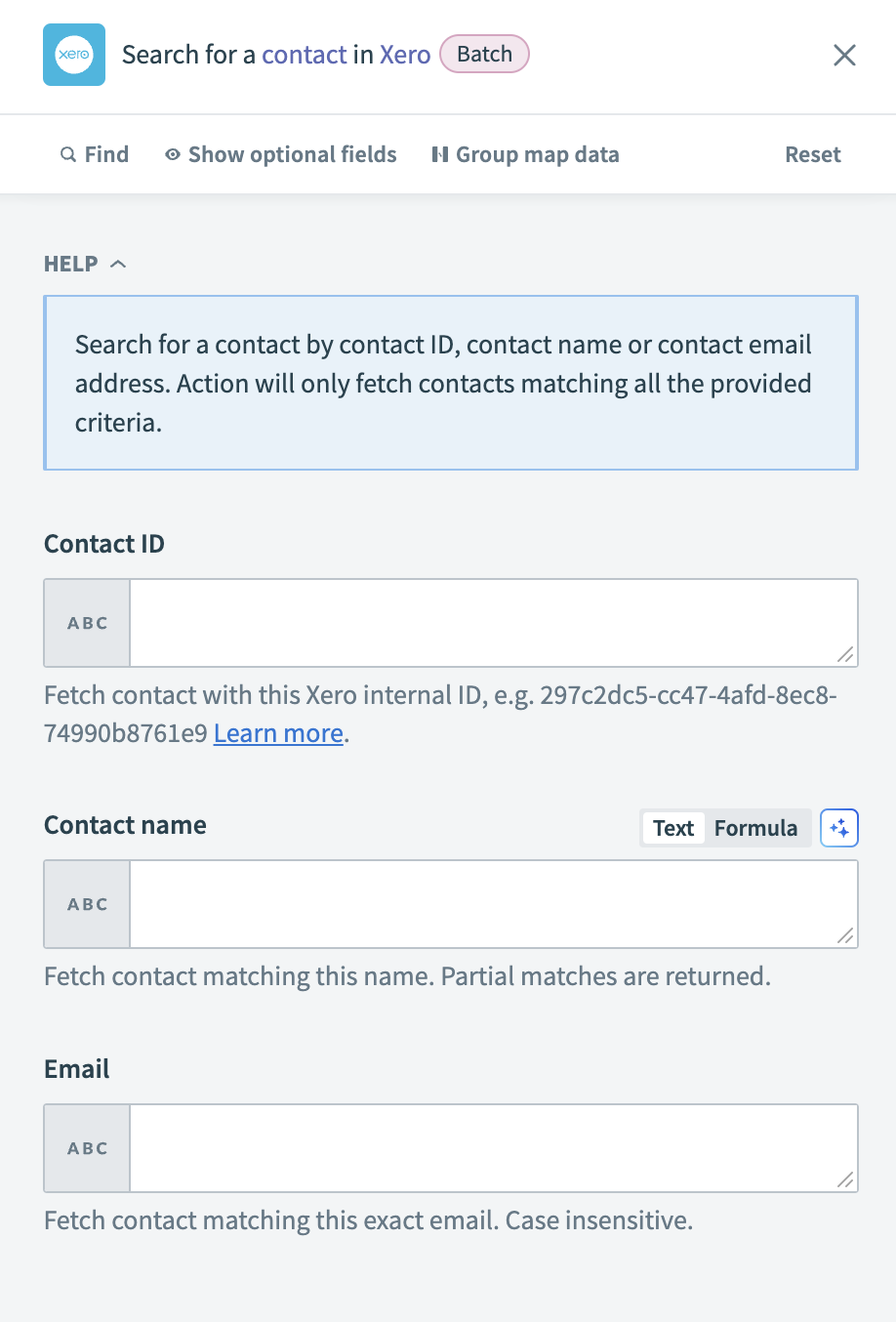 Xero - Search contacts batch action
Input
| Input field | Description |
|---|---|
| Contact ID | Enter the Xero internal ID to fetch a specific contact. |
| Contact name | Type the name of the contact you are searching for. The search also returns partial matches. |
| Input the email address associated with the contact. The search is case-insensitive and matches the exact email provided. |
Output
| Output field | Description |
|---|---|
| Contacts | Details about the contact records. |
Last updated: