AgentX Support - Integrate with Google Analytics
You can integrate the AgentX Support chat widget with Google Analytics 4 (GA4) to track user interactions and events within the AI agent. This allows you to use your existing GA4 property to monitor and analyze how users engage with the AI agent.
GOOGLE ANALYTICS 4 REQUIRED
This feature requires Google Analytics 4.
Complete the following steps to enable the integration:
Select your AI agent.
Go to Settings > Features and expand the Widget Settings section.
Fill in the Google Analytics Tracking ID field.
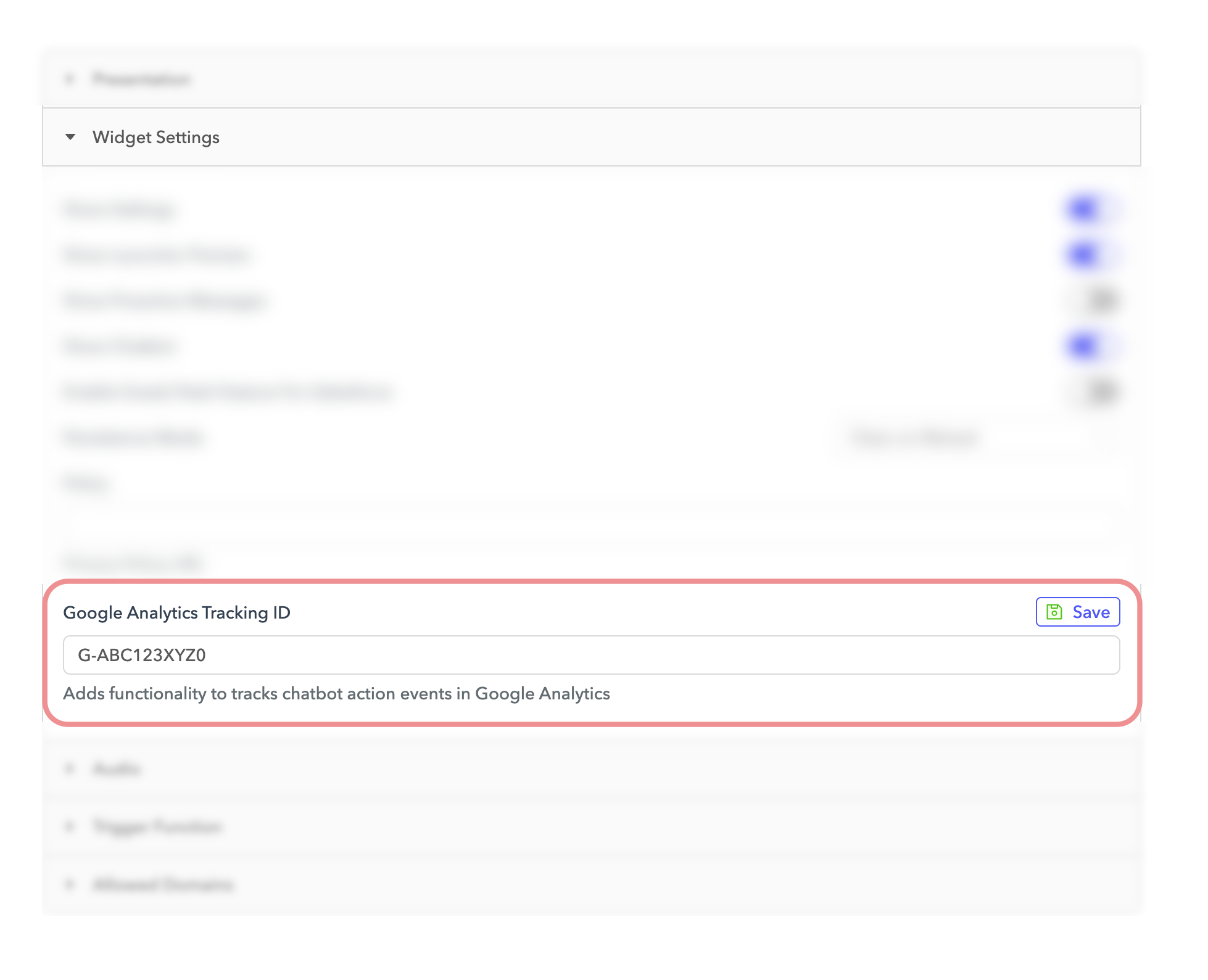 Enter the Google Analytics Tracking ID
Click Save.
Events tracked
The following events are automatically sent to your connected Google Analytics property:
| Event name | Event label | Description |
|---|---|---|
| Open Bot | Fired when the user clicks the chat bubble to open the agent. | |
| Setting Clicked | Fired when the user clicks the settings icon. | |
| Minimize Bot | Fired when the user minimizes the AI agent. | |
| Close Bot | Fired when the user closes the AI agent. | |
| Close Preview | Fired when the user closes the bubble preview text. | |
| User Clicked | Button Text | Fired when the user clicks a quick reply button. |
| Enlarge Image | Fired when the user clicks to enlarge an image. | |
| Confirm End Chat | Fired when the user confirms ending the chat. | |
| Continue Chat | Fired when the user clicks to continue the chat. | |
| Download Transcript | Fired when the user clicks Download Transcript. | |
| Input Submitted | User Input Text | Fired when the user submits a message in the chat. |
View events in Google Analytics
After you add the Google Analytics Tracking ID to the AI agent configuration, these events appear in your Google Analytics reports. Use these events to filter and segment sessions or create custom dashboards and funnels.
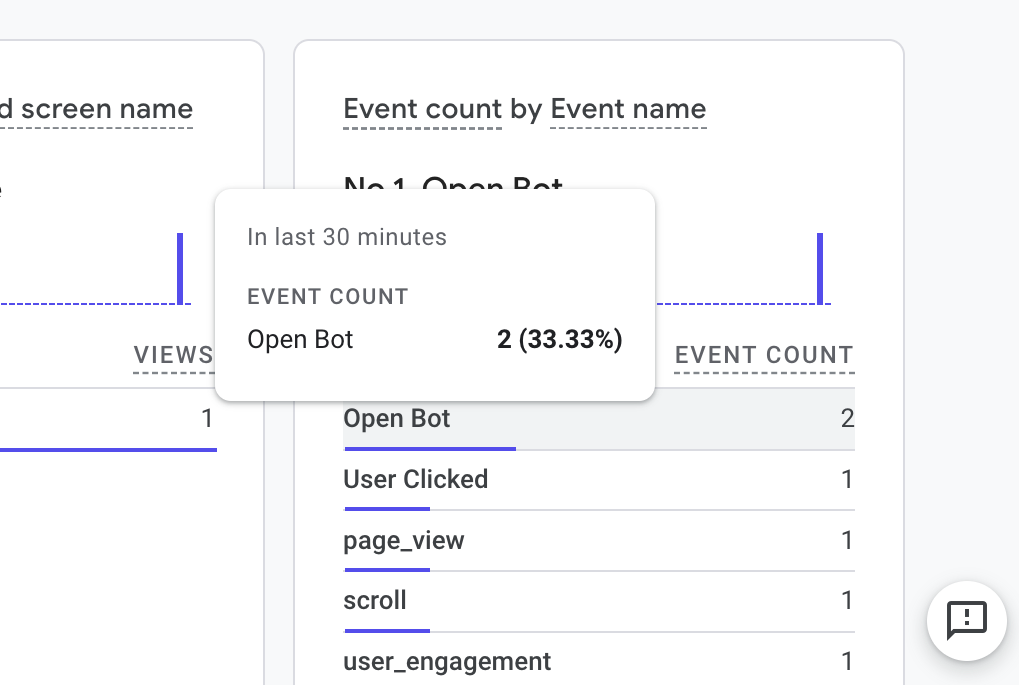 Example of event tracking in GA4
Last updated: