# Edit an API collection
You can access and edit an API collection after you create it. Complete the following steps to edit an API collection:
1
Sign in to your Workato account.
2
Go to Platform > API platform > API collections.
3
Select the API collection you plan to edit. This opens the API collections overview page.
4
Click the collection you plan to edit. This opens the API collection overview page.
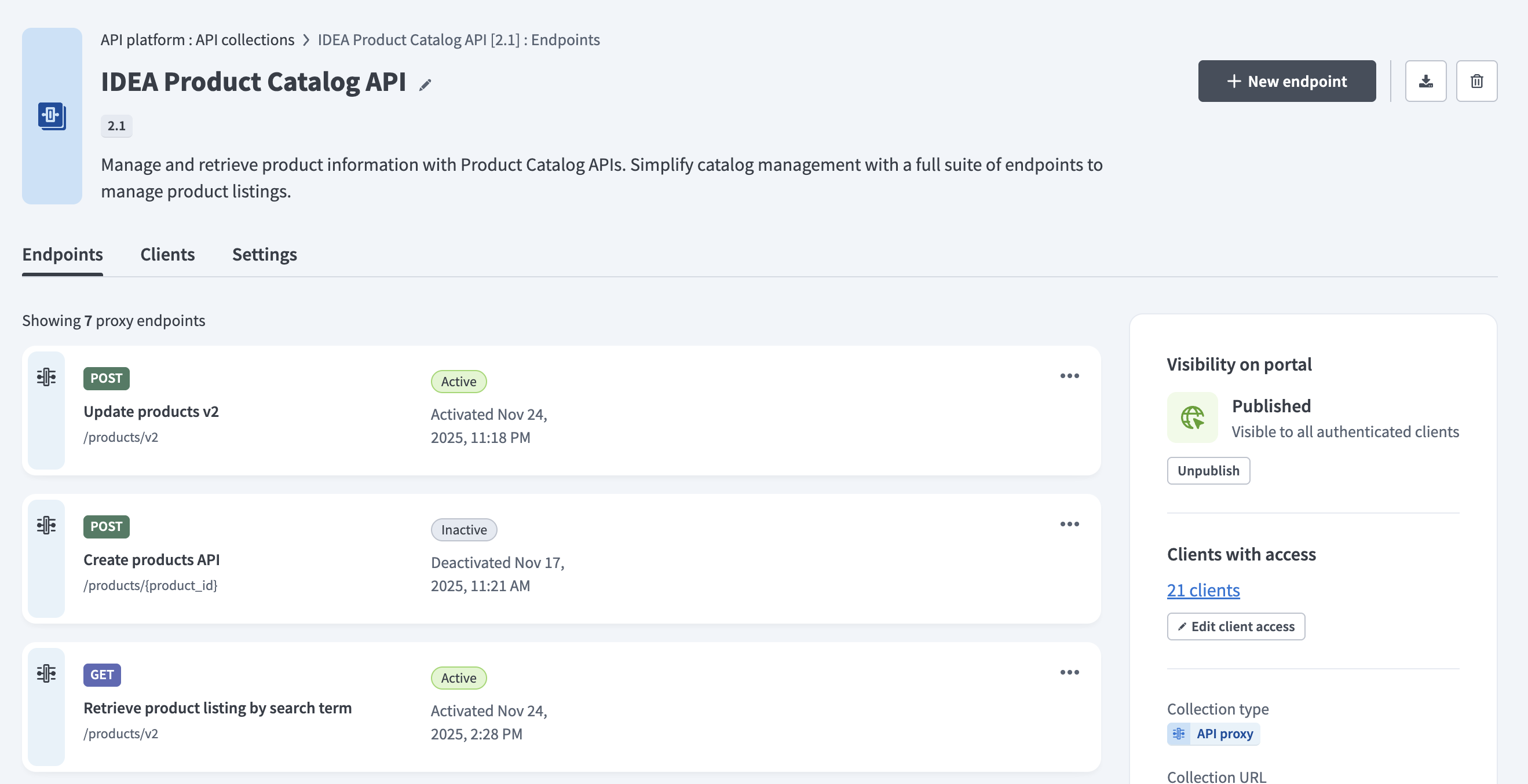 API collection overview page
Last updated: 2/10/2026, 9:26:06 PM