# API recipe collection
An API recipe collection is a set of endpoints, each powered by a single API recipe. Each API recipe maps to one endpoint.
You can use recipe collections to expose business logic through secure, customizable API endpoints. These endpoints are available to internal users, such as teammates, and external users, such as customers or third-party systems, even if they don't have Workato accounts.
You can also use API recipe collections to allow other recipes in your workspace to call endpoints and share logic. Group related API recipe endpoints into a collection to manage access and control more effectively.
COLLECTION TYPES
Refer to Choose a collection type to compare proxy, recipe, and AI gateway collections.
# Prerequisites
Complete the following before you create an API recipe collection:
- Create a project or select an existing one.
- Create a folder in the project and add one or more API recipes. New API recipes you add to this folder are included in the collection automatically. We recommend that you group related API recipes together.
# Create an API recipe collection
Complete the following steps to create an API recipe collection:
Sign in to your Workato account.
Go to Platform > API platform > API collections.
Select + Create new collection.
Use the Choose collection type drop-down menu to select API recipe collection.
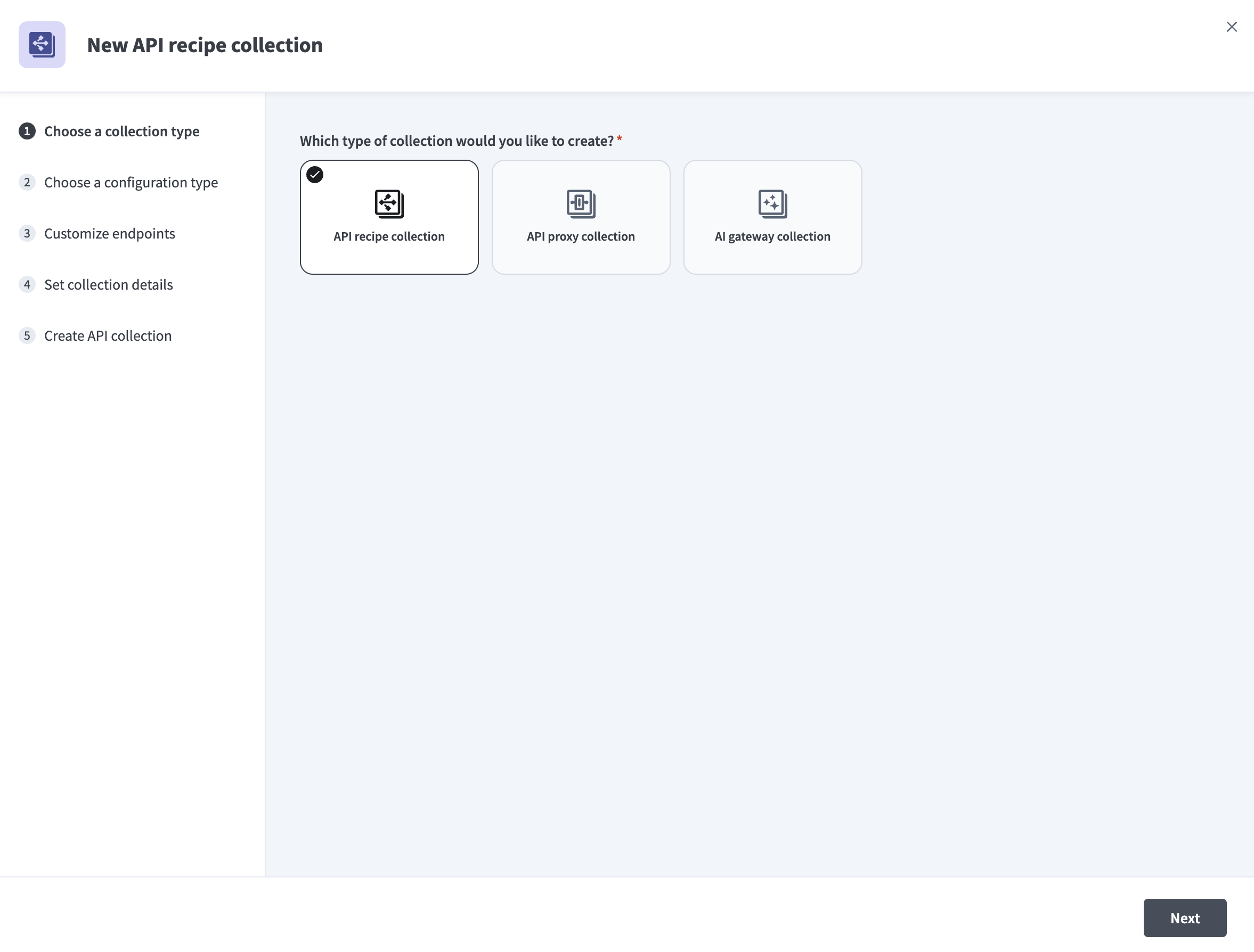 Select API recipe collection
Use the Choose a configuration type drop-down menu to specify the configuration you plan to use for your recipe collection:
Use existing recipes: Select a Recipe folder. Workato creates one endpoint for each API recipe in the folder.
Import OpenAPI Specification: Upload a JSON or UTF-8 encoded YAML OpenAPI 3.0 (opens new window) file, or enter its URL. Enclose time values in quotes. For example, use
"2024-07-18T10:00:00Z"instead of2024-07-18T10:00:00Z.
Go to Customize endpoints and select the checkbox for each endpoint you plan to add to the collection.
Optional. Select Edit details next to an endpoint to configure its settings:
Select the HTTP method for the endpoint.
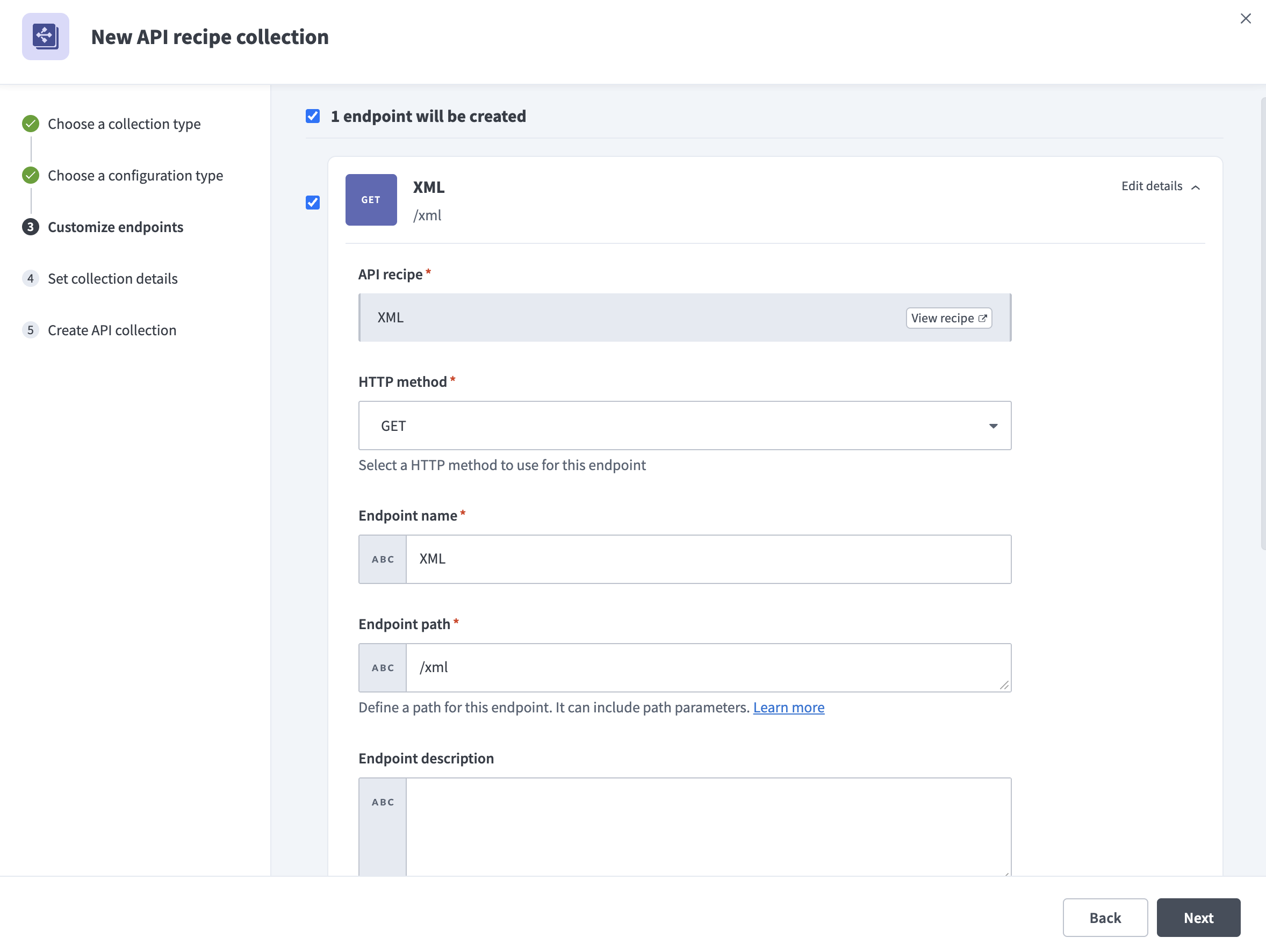 Customize API recipe collection endpoints
Enter an Endpoint name.
Define the Endpoint path. It can include path parameters. Ensure that you follow the endpoint path guidelines.
Enter an Endpoint description.
Required when you toggle Customize timeout. Customize the time that a request is given to complete in the Request timeout field. The default value is 30 seconds and the maximum value is 240 seconds.
Enable Schema validation to validate all requests made to this endpoint.
Enforce additional authorization logic using formulas in the Request authorization field.
Required when you toggle Cache response. Use seconds to specify how long to store a response in cache before it's refreshed or deleted in the Time-to-live period field. The maximum is 3600 seconds.
Go to Set collection details and configure the following:
Enter a Collection name for the API collection.
Enter a Version. Use a unique identifier between 1–10 characters. Collections with the same name but different versions are treated as distinct.
Enter a Description for the API collection.
Select Create collection. Workato adds the collection and displays the number of endpoints created.
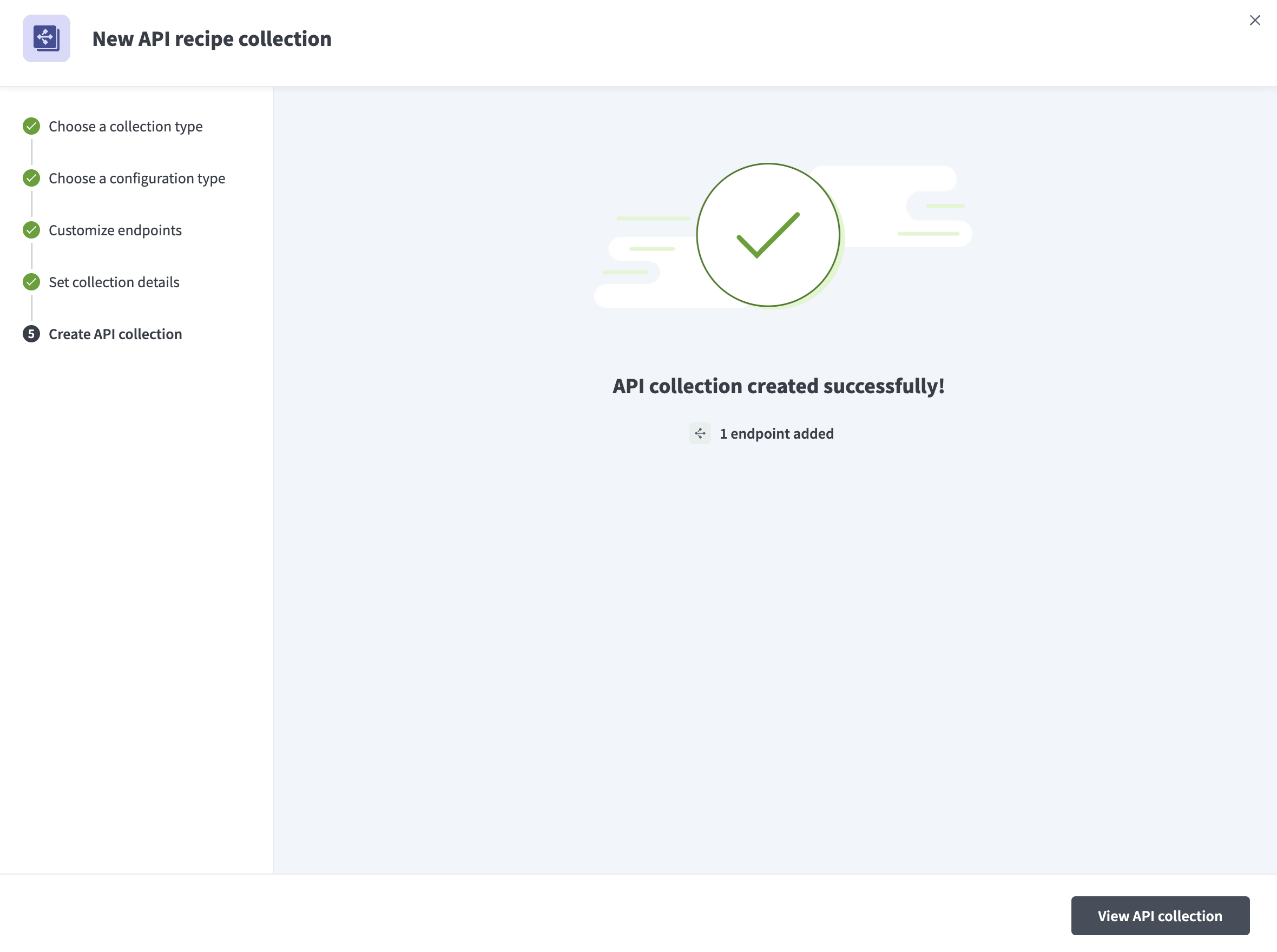 Create API recipe collection
Select View API collection.
Toggle the Inactive button activate the endpoints you plan to use.
NEW ENDPOINTS INACTIVE BY DEFAULT
All new endpoints are inactive by default. You must activate each one before other recipes or apps can call it.
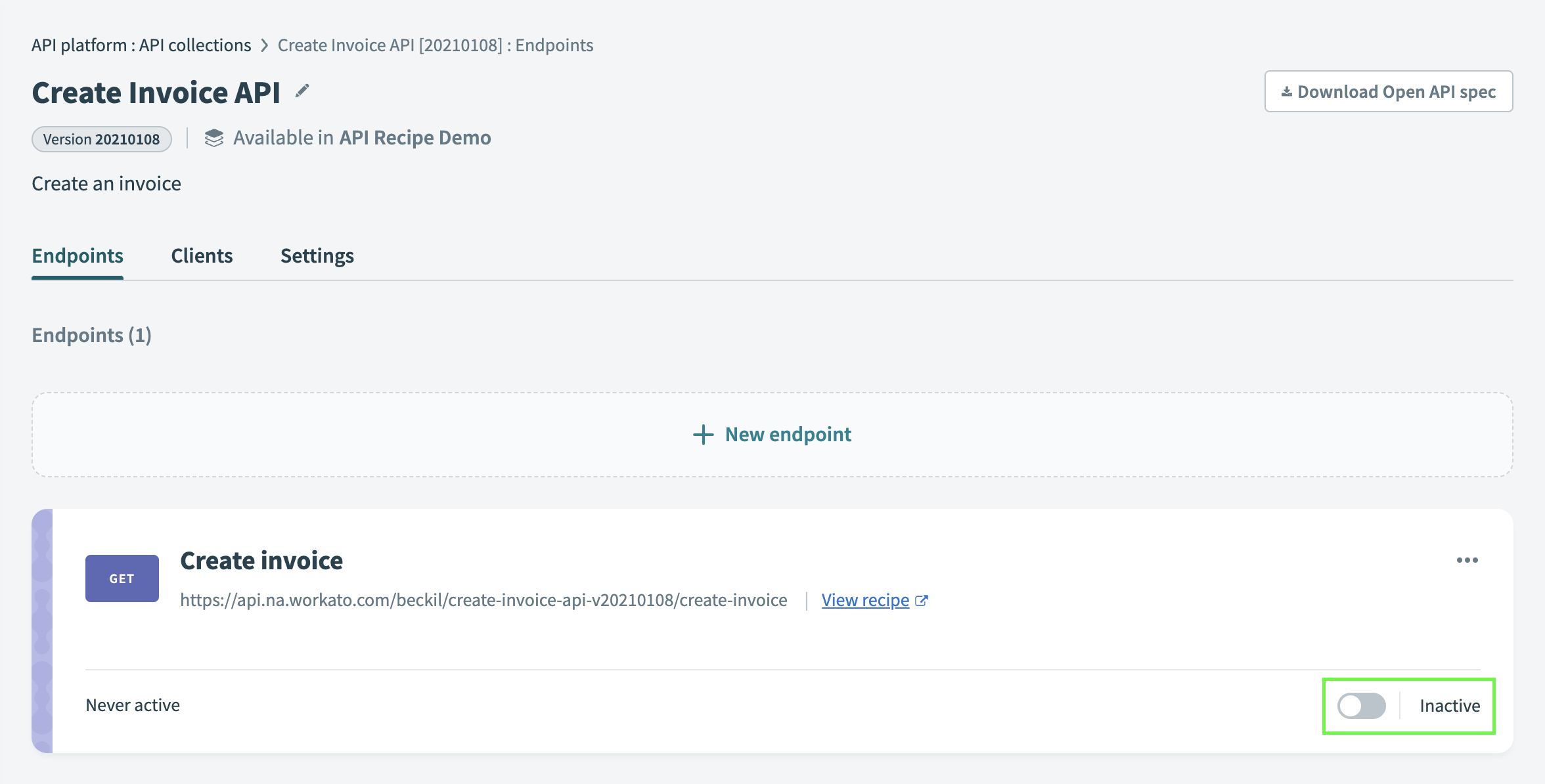 Activate API endpoint in a collection
Refer to Activating or deactivating an endpoint for more information about activating endpoints.
Assign the collection to a client's access profile to enable access for specific users or apps. Learn how to create a new access profile.
Last updated: 2/10/2026, 9:26:06 PM