Anaplan - Run deletion batch action
The Run deletion batch action starts a deletion task in Anaplan and monitors each task's progress. This action returns results when the final task is either completed or canceled.
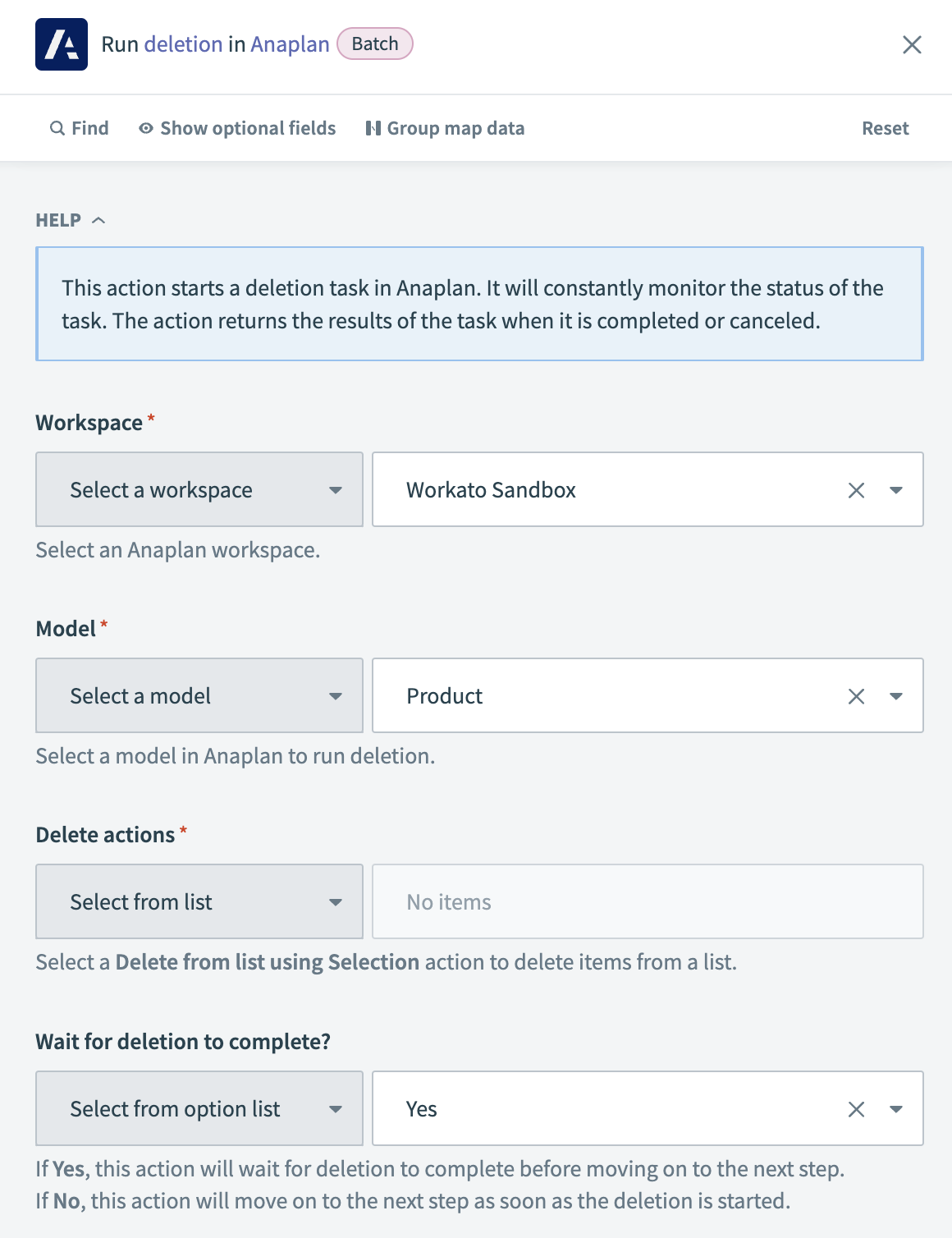 Anaplan - Run deletion action
Input
| Input field | Description |
|---|---|
| Workspace | Select the workspace in Anaplan where the model is located. |
| Model | Choose the model from which you plan to delete data. |
| Delete actions | Specify the deletion action by selecting a Delete from list using Selection action. |
| Wait for deletion to complete? | Decide if Workato should pause until the deletion completes before proceeding. Choose Yes to pause until completion, or No to continue to the next step immediately after starting the export. |
Output
| Output field | Description |
|---|---|
| Task ID | The identifier for the deletion task within Anaplan. |
| Task state | The current status of the deletion task. |
| Deletion succeeded? | Indicates the success or failure of the deletion. |
| Current step | The current step of the deletion process. |
| Progress | The percentage of the deletion task completed. |
| Result | The final outcome of the deletion task. |
Last updated: