Anaplan - Run process batch action
The Run process batch action allows you to start a process in Anaplan. This action monitors the status of each task in the process, and returns the results of the tasks when the last task is completed or canceled.
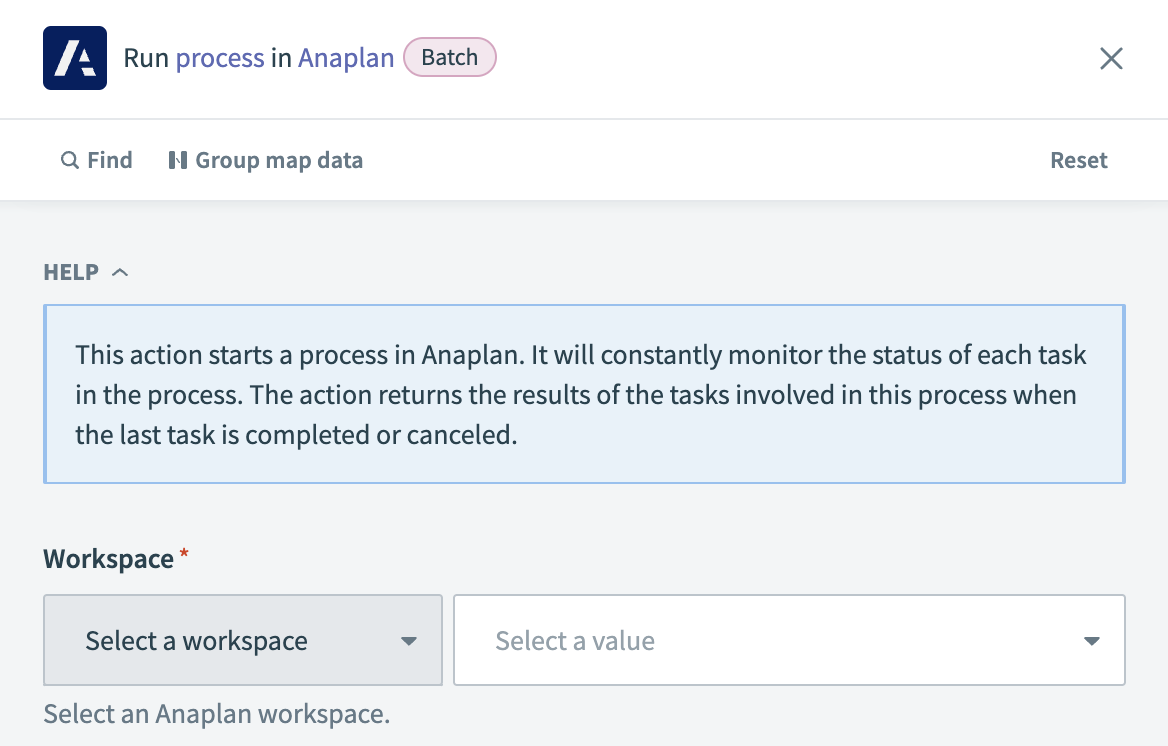 Anaplan - Run process action
Input
| Input field | Description |
|---|---|
| Workspace | Choose the Anaplan workspace where the process is located. |
| Model | Select the Anaplan model containing the process you plan to run. |
| Process | Select the process you plan to execute from the list. |
| Wait for process to complete? | Decide if Workato should wait for the process to finish before moving to the next step. Choose Yes to pause until completion, or No to continue to the next step immediately after starting the process. |
Output
| Output field | Description |
|---|---|
| Task ID | The identifier assigned to the task within the process. |
| Task state | The current status of the task. |
| Process succeeded? | Indicates whether the process has been successfully completed. |
| Current step | The current step within the process. |
| Progress | The import task completion percentage. |
| Result | The end result of the process after its execution. |
Last updated: