Anaplan - Upload file action
The Upload file action allows you to upload a file in Anaplan.
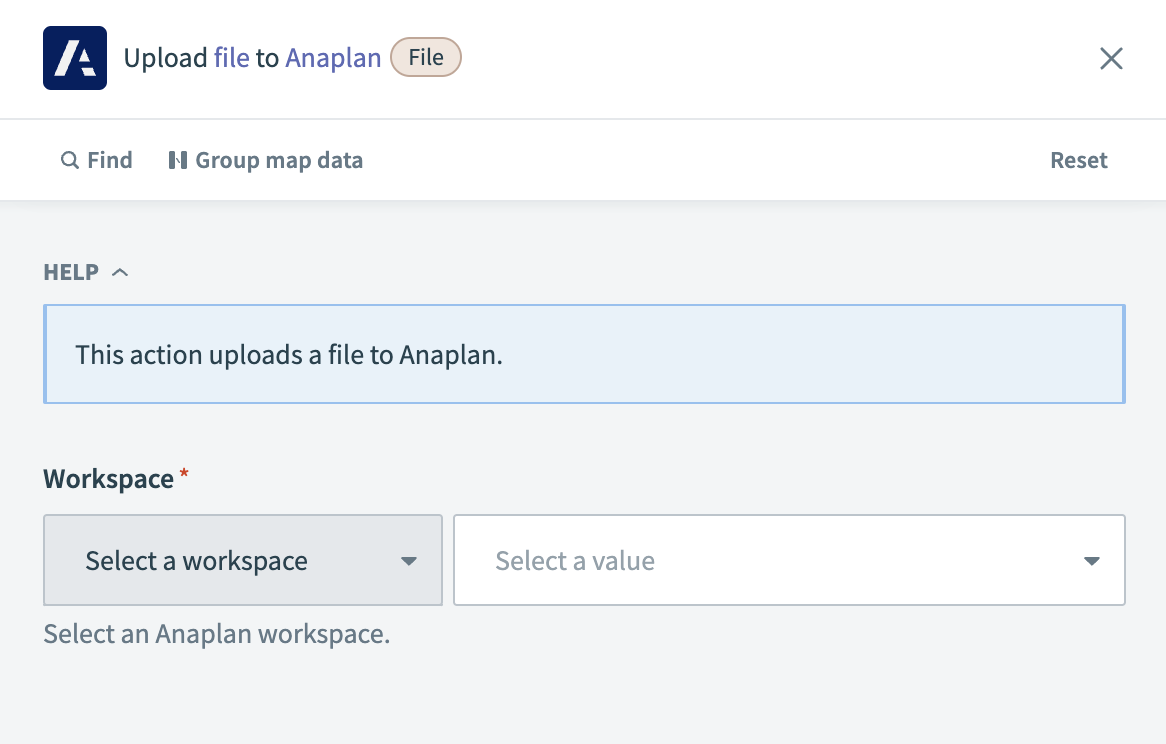 Anaplan - Upload file action
Input
| Input field | Description |
|---|---|
| Workspace | Choose the Anaplan workspace containing the model for the file upload. |
| Model | Choose the model in Anaplan to which you plan to upload the file. |
| File | Select the file in Anaplan that you plan to upload. |
| File contents | Enter the content of the file you plan to upload. |
| Delimiter | Select the delimiter if this file is a CSV file. |
| Contains header row? | Indicate whether your CSV file includes a header row. |
| File encoding | Choose the encoding for the file. This fields defaults to UTF-8. |
Output
| Output field | Description |
|---|---|
| File ID | The unique identifier of the uploaded file in Anaplan. |
| File name | The name of the uploaded file. |
| Chunk count | The number of parts the file was split into during the upload process. |
Last updated: